Skip to content
Doku icon
macOS

Doku

Markdown Viewer & Reader

Screenshots
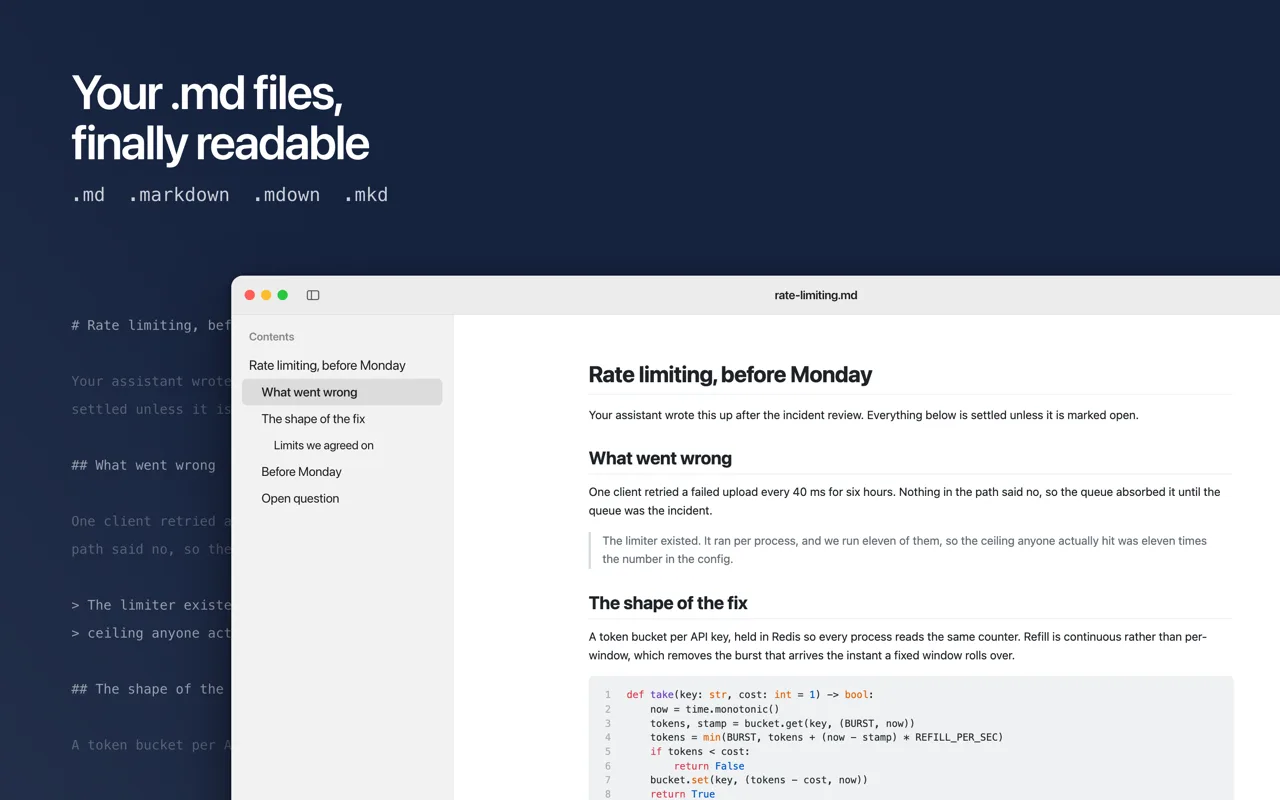
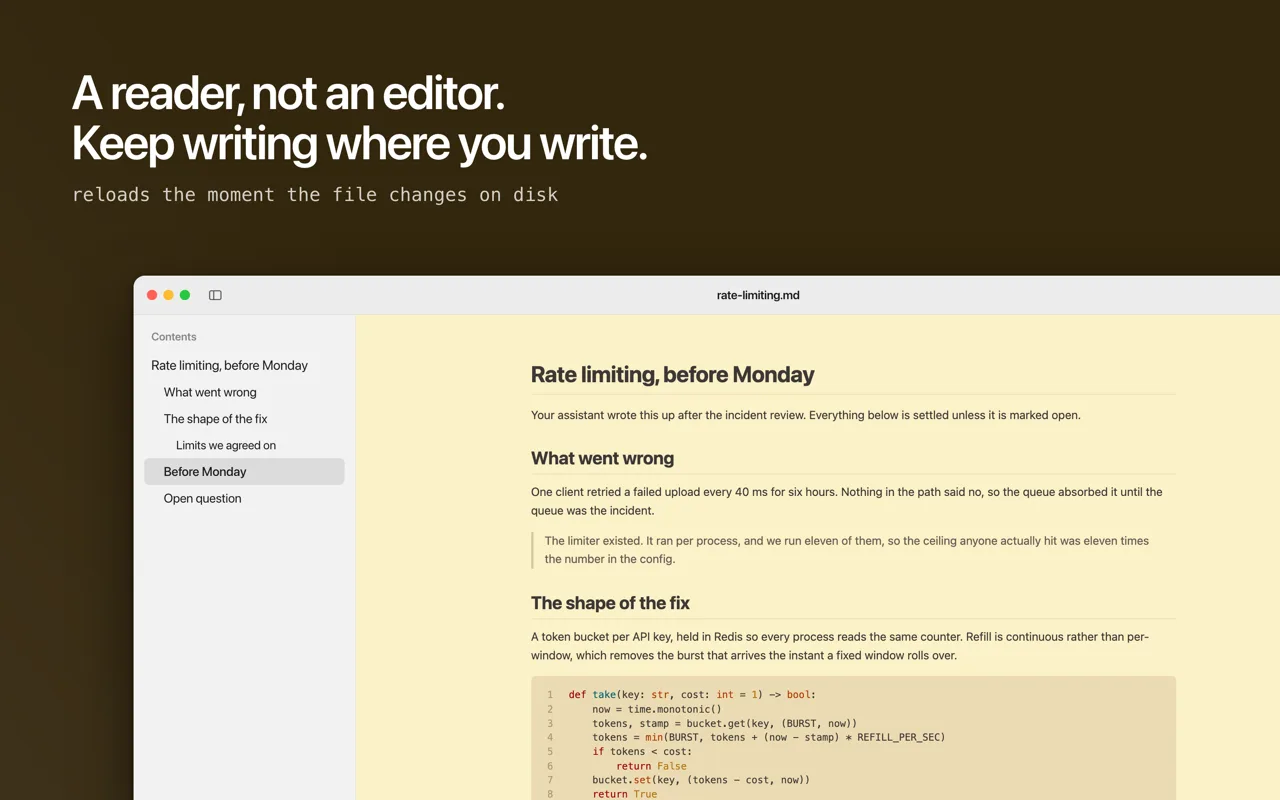
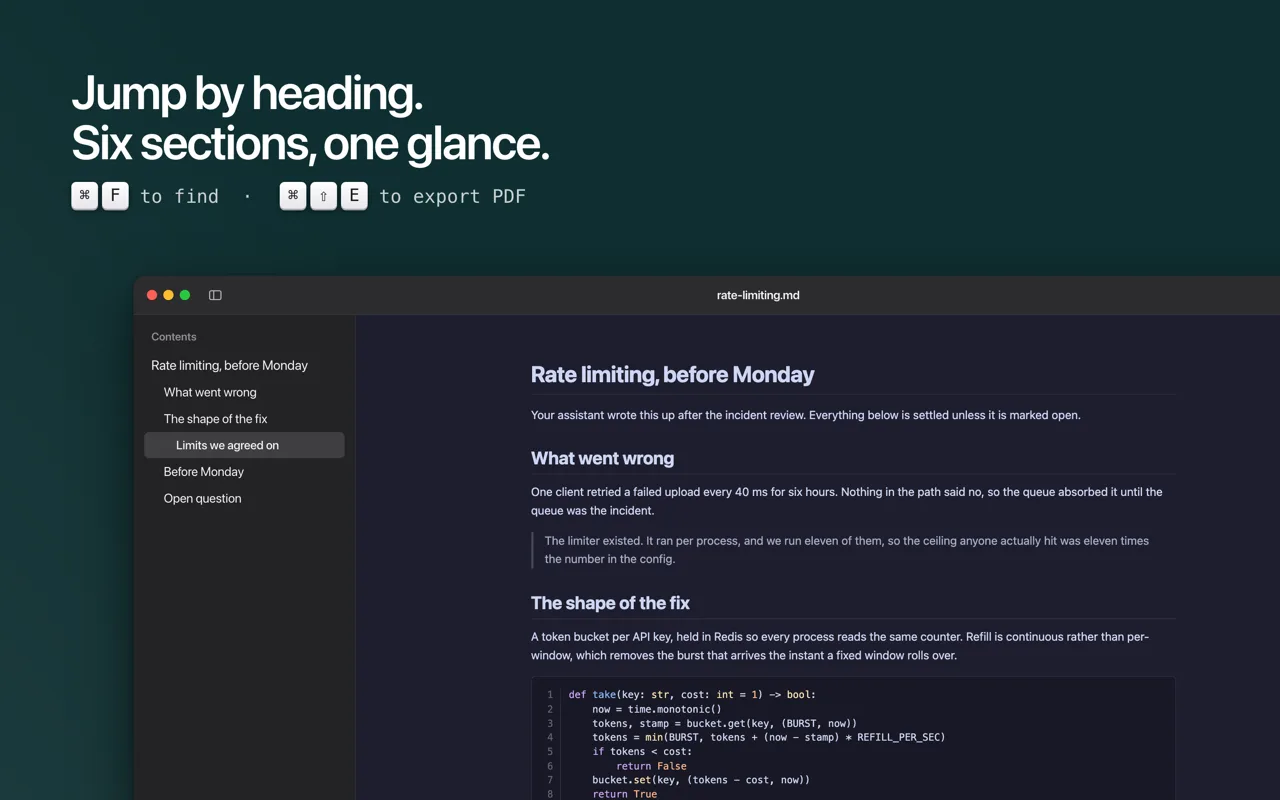
A Markdown file open in Doku with a table of contents sidebar beside the rendered document
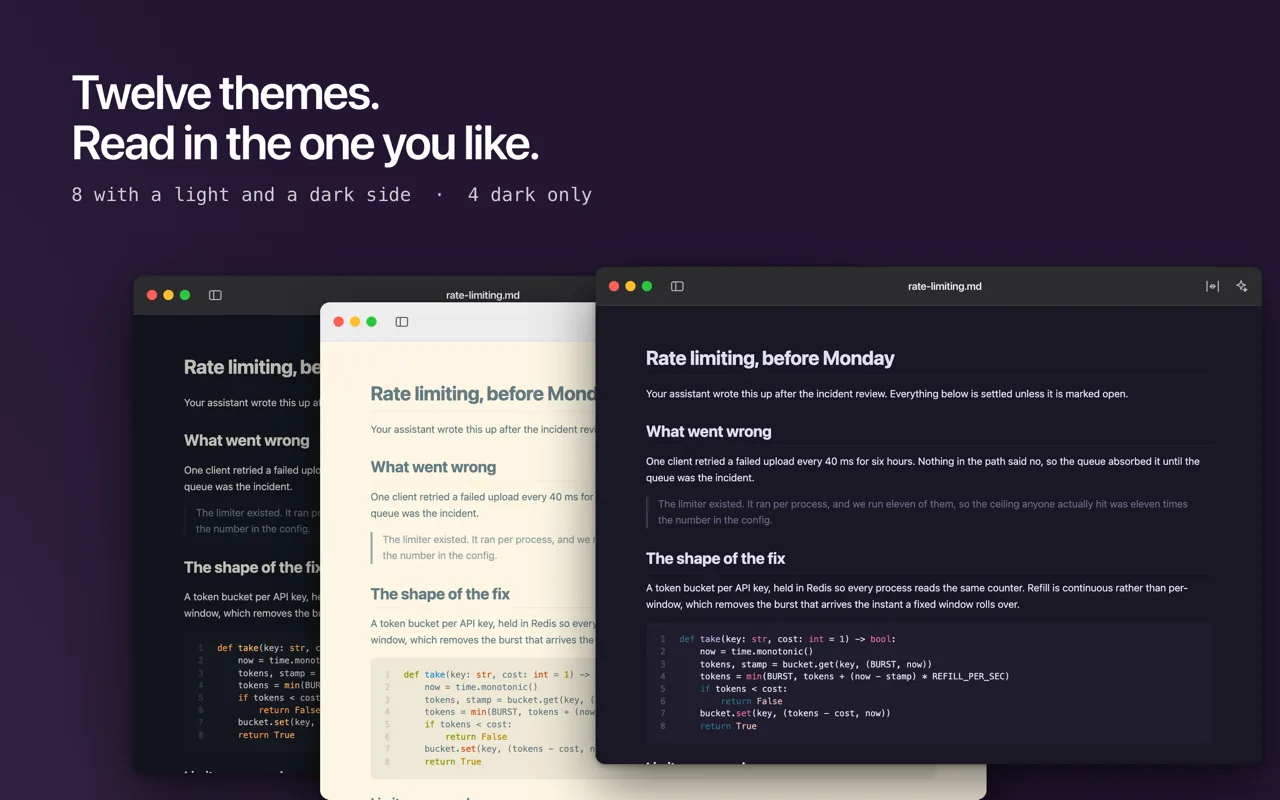
The same document shown in several of Doku's twelve themes, light and dark
Doku showing a rendered document next to the editor the file was written in
The table of contents sidebar with six headings, one of them selected
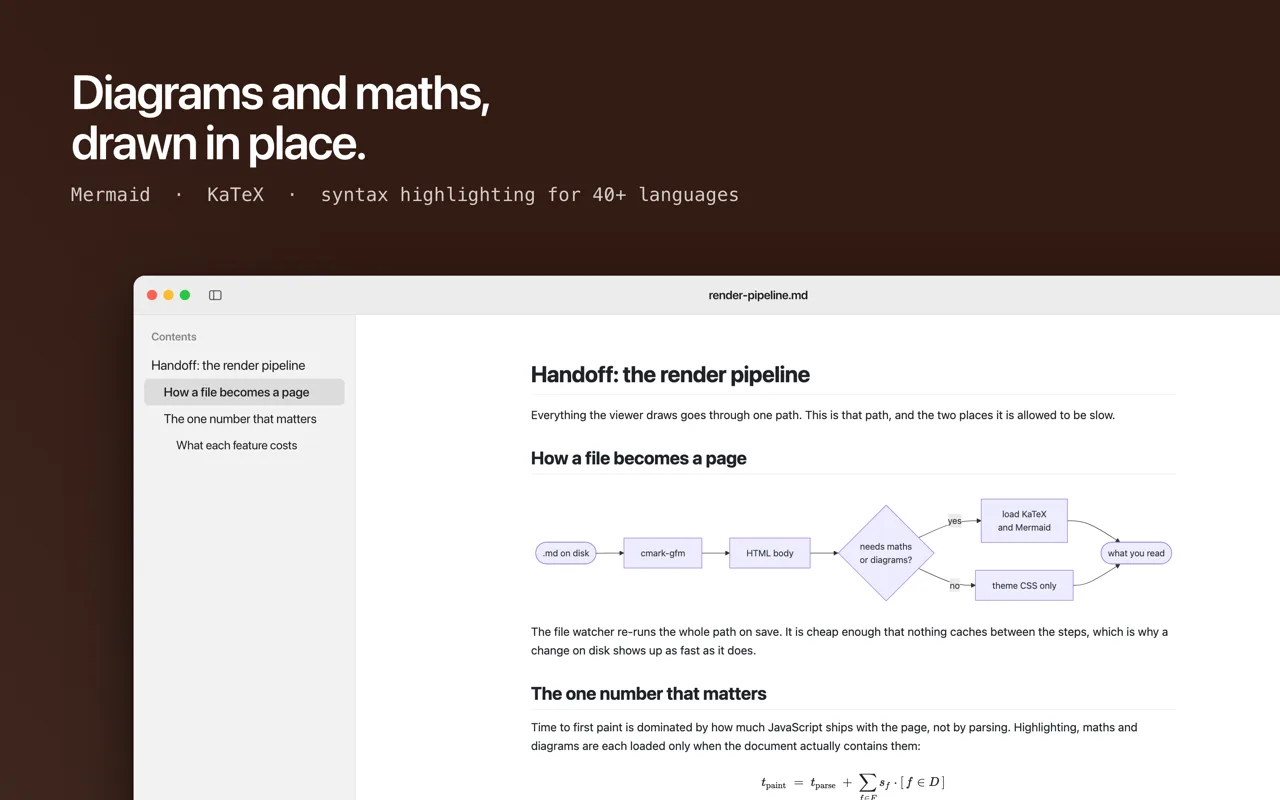
A Mermaid flowchart and a LaTeX equation rendered inside a document
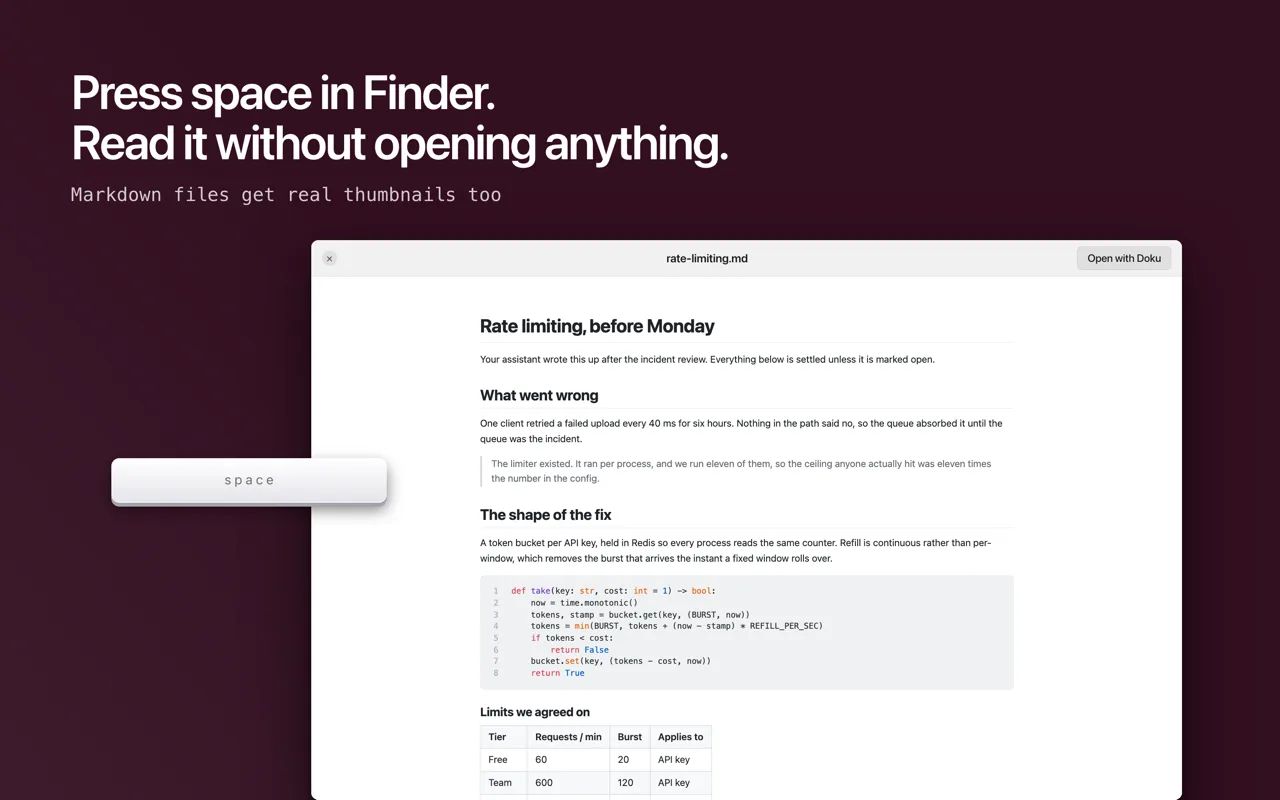
A Markdown file previewed in Finder with the space bar, without opening Doku
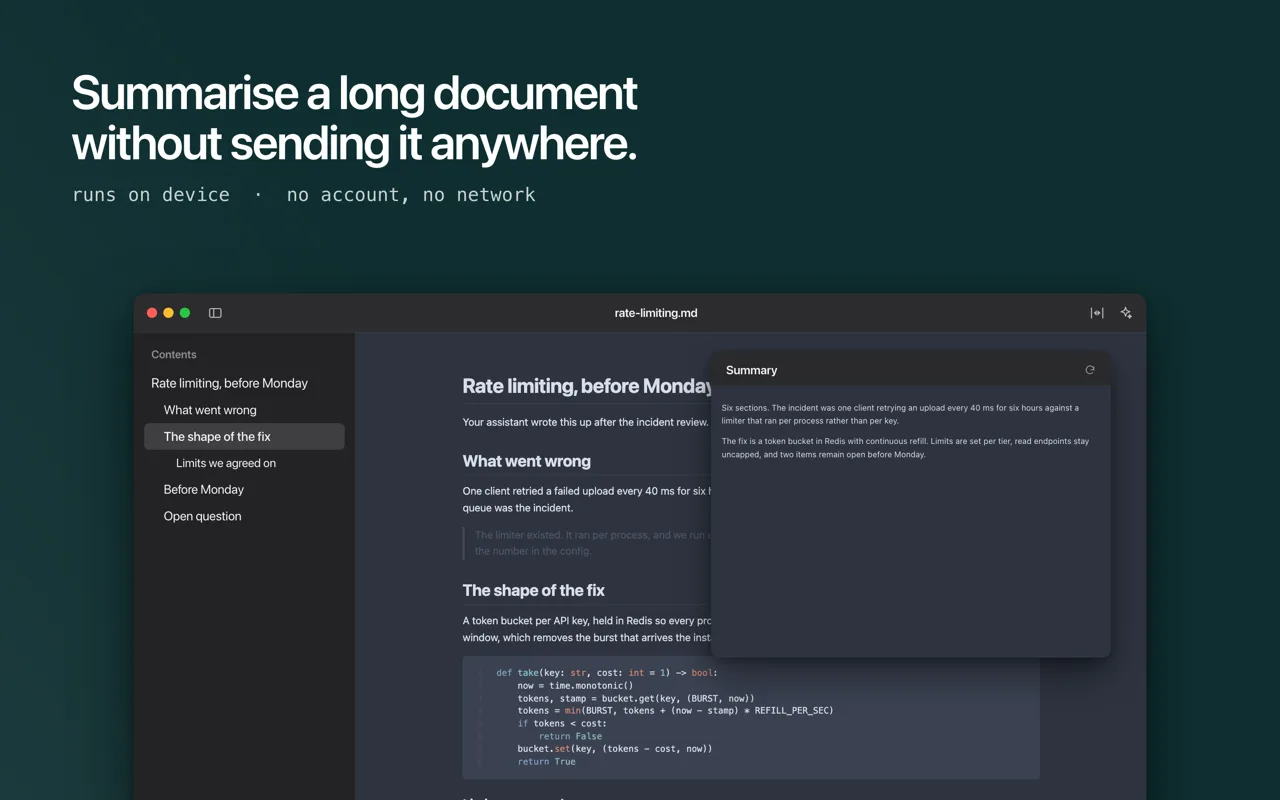
A long document summarised on device, shown beside the original text

Your assistant hands you a .md file and macOS has nowhere good to open it. Doku does. Drop any Markdown file on it and read it the way it was meant to look.

Twelve document themes, most with a light and a dark version, and you pick which one you read in. Headings, tables, task lists, footnotes and code all render the way they should, with syntax highlighting for over forty languages. Mermaid diagrams and LaTeX maths are drawn in place.

Press space on any .md file in Finder to preview it without opening the app, and Markdown files get real thumbnails instead of blank page icons.

Doku is a reader, not an editor. Keep writing wherever you already write. Doku shows you the result and refreshes the moment the file changes on disk. Open several files as tabs in one window, jump between headings with the table of contents, search inside a document, zoom, export to PDF, and summarise long documents on device.

No account, no network, no telemetry. Every document is rendered on your Mac and never leaves it.

Common questions

Is my data collected or shared?
No. Doku runs entirely on your Mac. No analytics, no tracking, no data sent to servers. Your privacy is guaranteed.
Is this a subscription?
No. It's a one-time purchase. Pay once, use forever. No recurring fees, no hidden costs.
What if I don't like the app?
Apple offers full refunds within 14 days of purchase, no questions asked. Request a refund directly through the App Store if you're not satisfied.
Does it slow down my Mac?
No. It's native SwiftUI with minimal resource usage. Menu bar monitoring uses negligible CPU and memory.
Which macOS version do I need?
Doku requires macOS 15.0+. Works on both Intel and Apple Silicon Macs.
← All apps