 Translate Peek
  SnapProof
  Lento
Lento 
macOS
Hotspot Peek
Menu Bar Data Meter for Any Network
App Store
Freemium
Screenshots
About
Your Mac uses more data than you think. System updates, cloud sync, backups, and every app that quietly refreshes in the background. On a phone hotspot or a capped hotel line, that is your allowance going while you work.
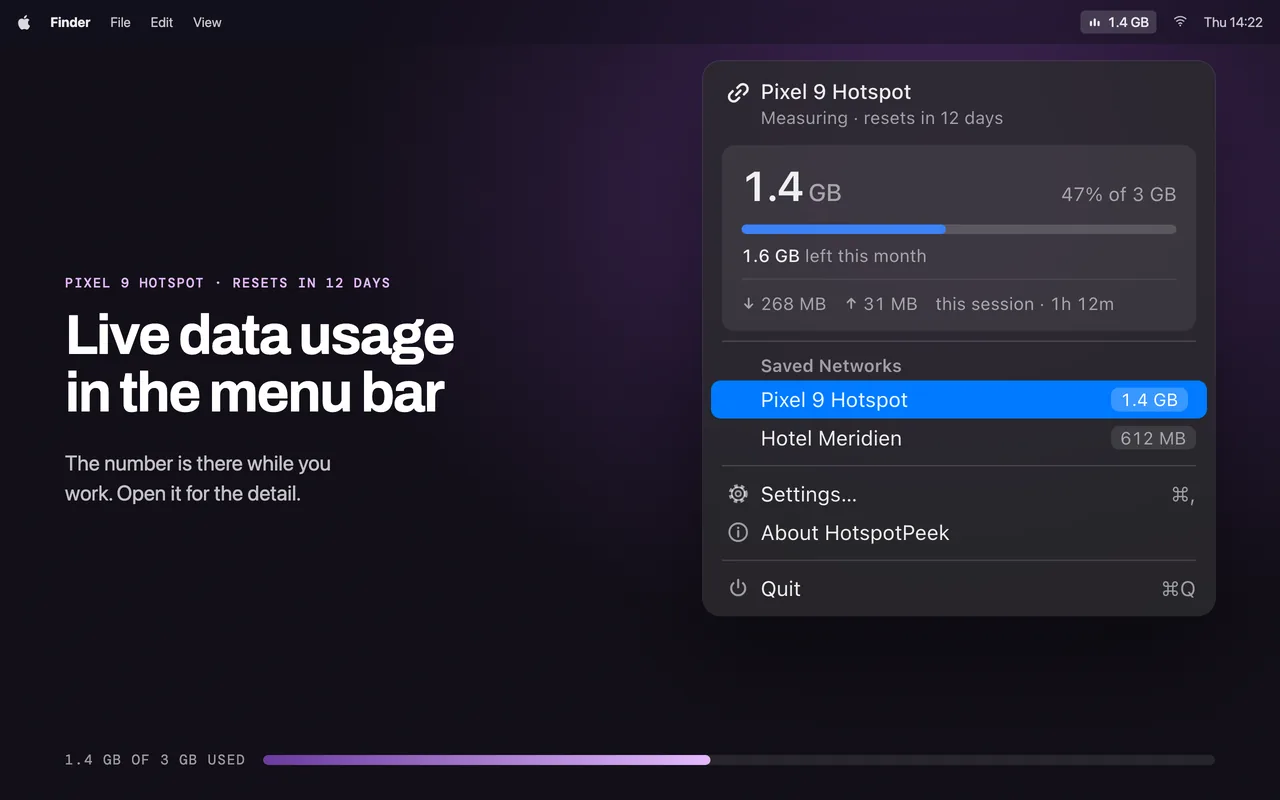
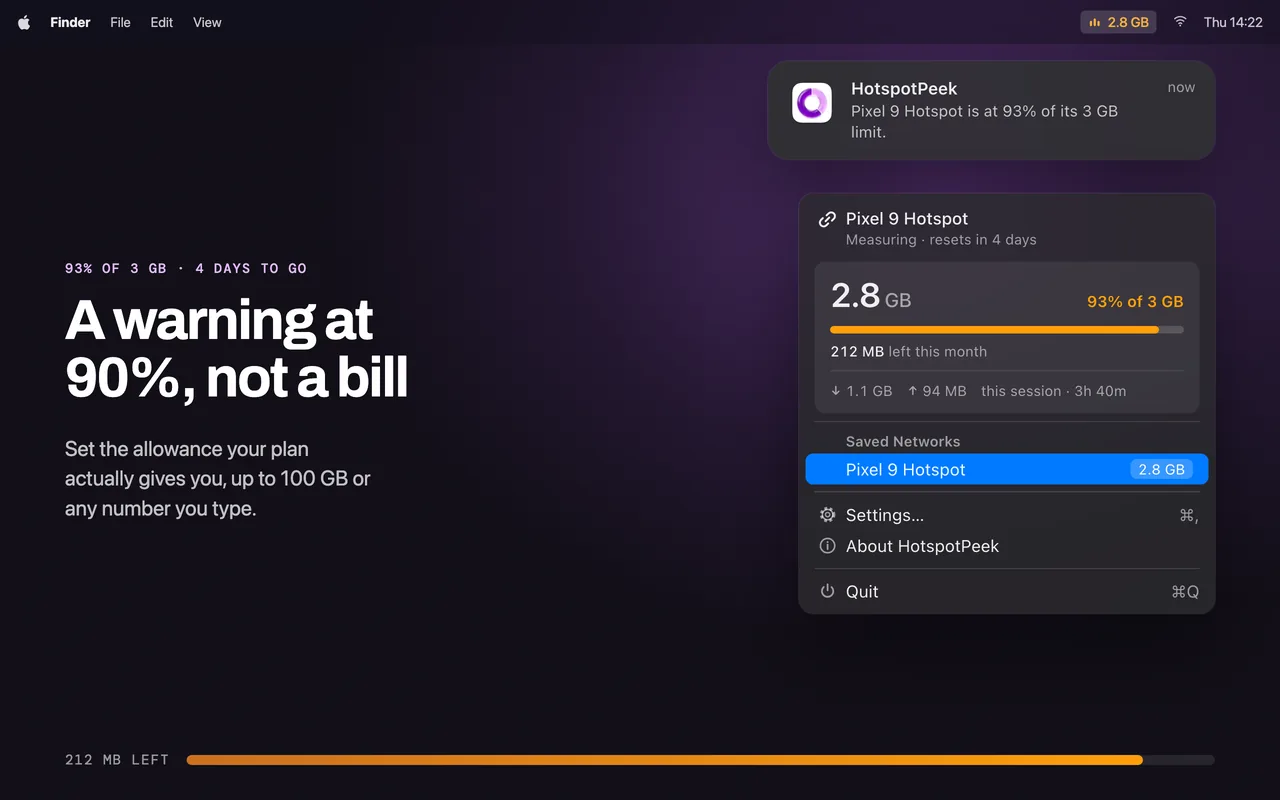
Hotspot Peek sits in the menu bar and keeps count. Every network you join, not only tethered ones.
Version 2.0 rewrote the counter. It reads interface statistics straight from the system, survives the 4 GB counter wrap, and no longer counts the same byte twice. Checked against netstat twice, agreeing to within 0.02%.
Features
- Live total in the menu bar - What you have used, visible while you work
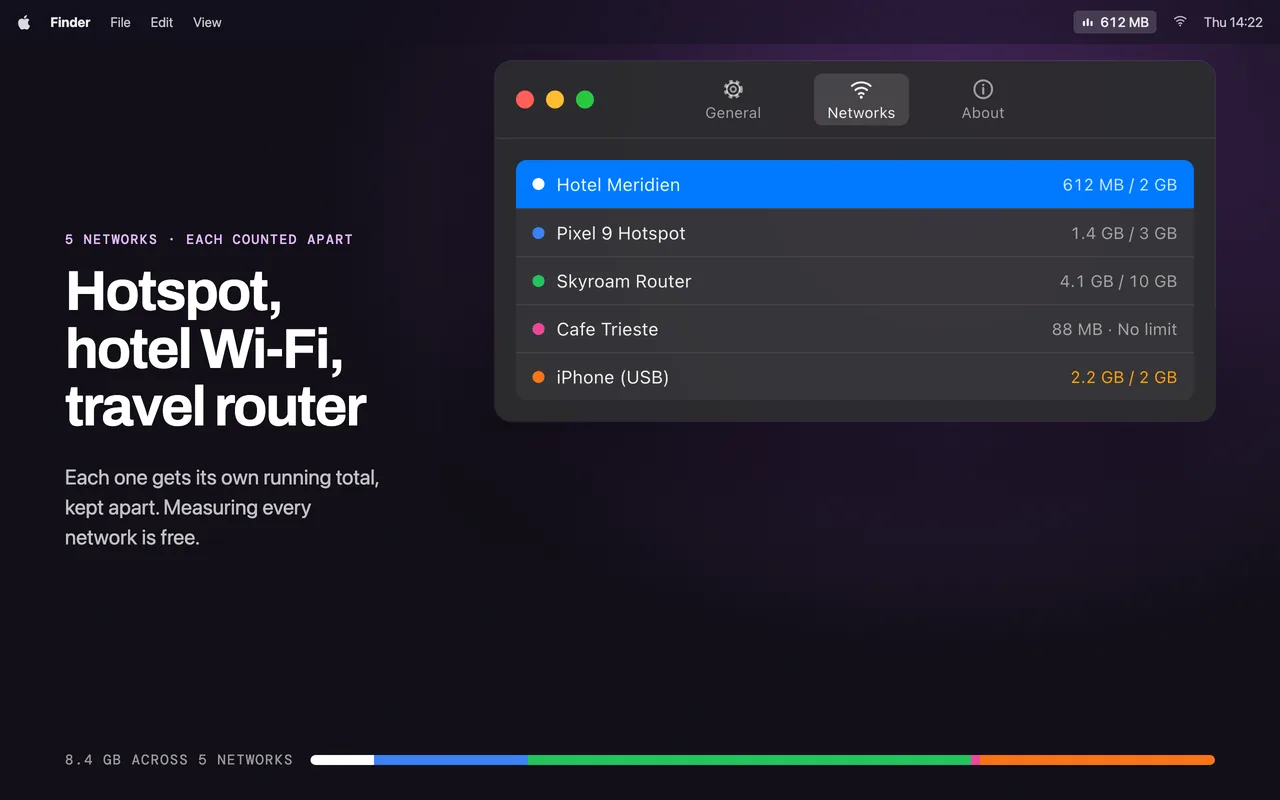
- Any connection - Phone hotspot, travel router, hotel Wi-Fi, or tethering over a cable. Earlier versions only saw hotspots macOS recognised, which left Android phones, MiFi units and 4G modems unmeasured
- A separate total per network - Each one is recognised and counted apart, so the hotel line doesn’t blur into your phone
- A limit with a warning - Set an allowance for a network and get a notification before you reach it, not a bill afterwards
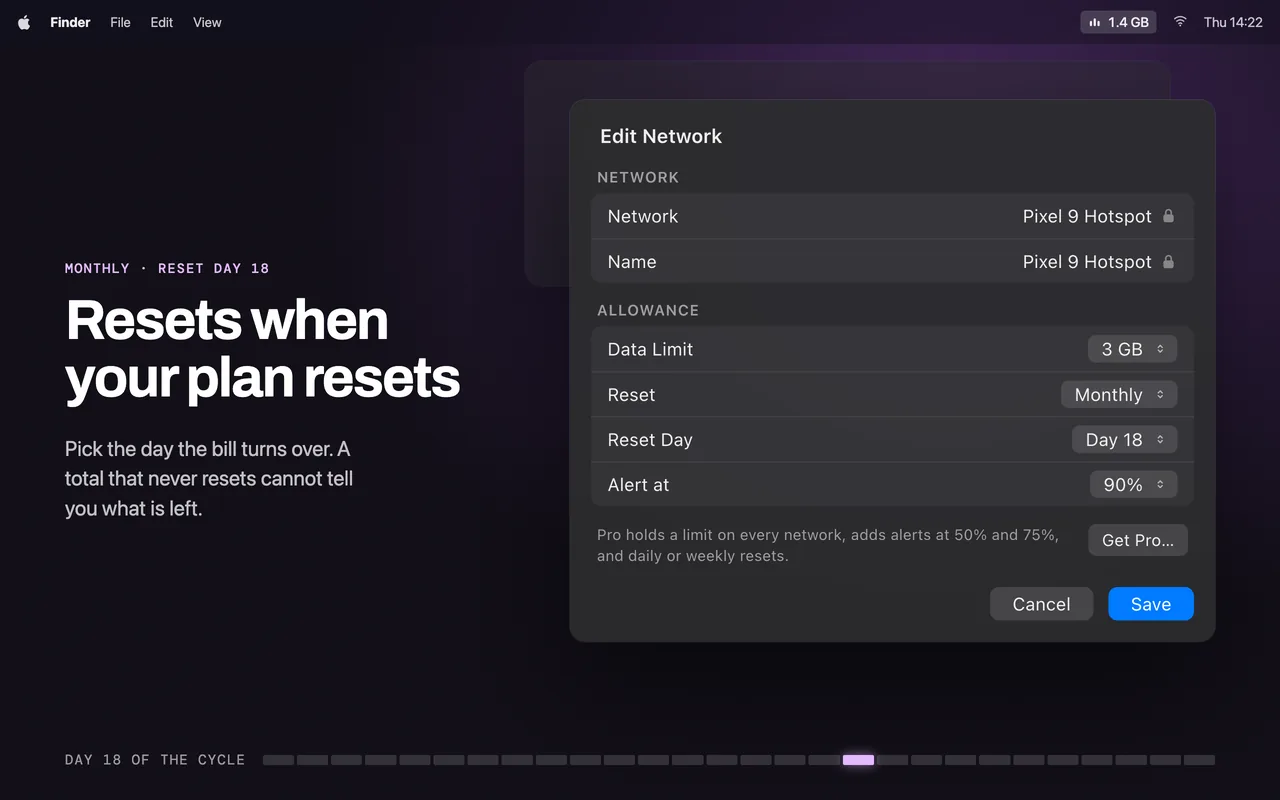
- Resets on your cycle - Monthly on its own, or cleared by hand whenever you want
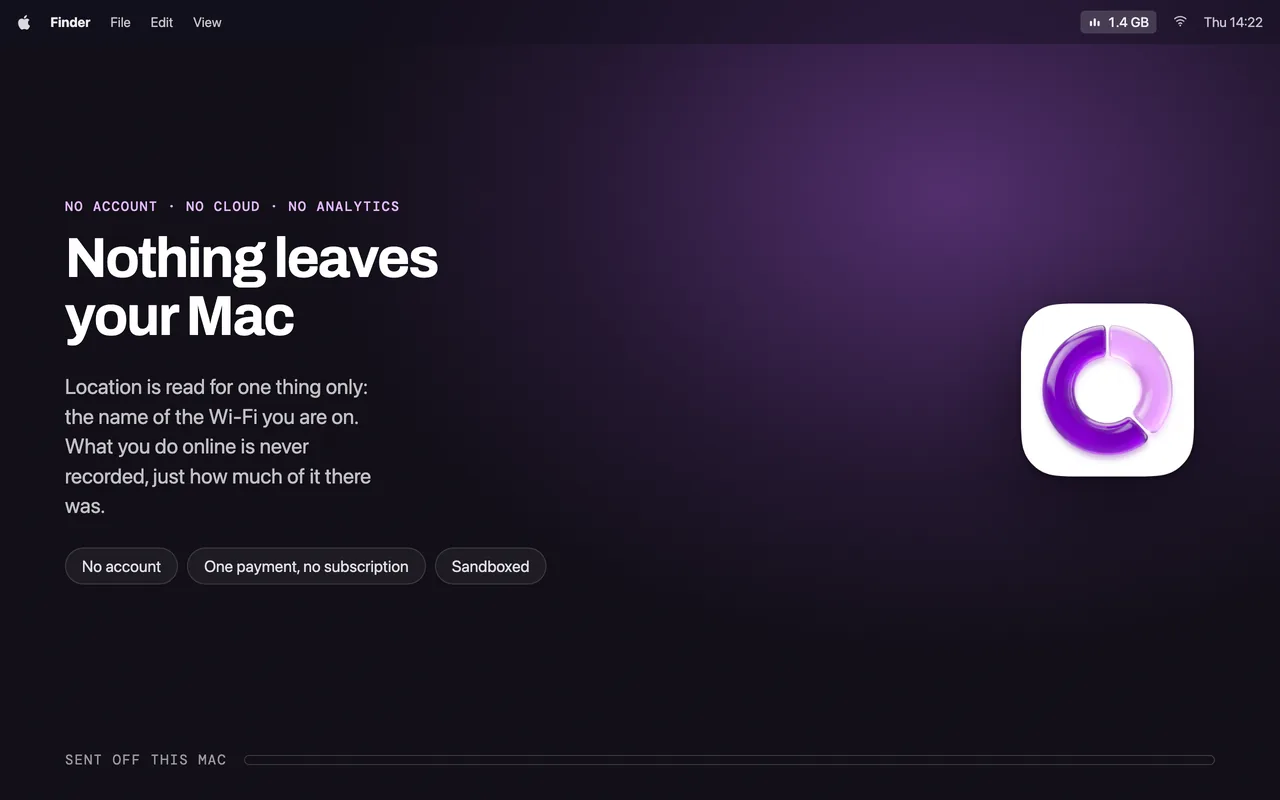
- Nothing leaves your Mac - No account, no cloud, no analytics. Location permission is used for one thing only: reading the name of the Wi-Fi network you are on, which macOS requires
Pro upgrade (one payment, not a subscription)
- A limit on every network, rather than one
- Earlier warnings at 50% and 75%
- Daily and weekly reset cycles
- Name each network and give it a colour
Requirements
- macOS 14.0 (Sonoma) or later
- Works with any network: no iPhone required
Common questions
Is my data collected or shared?
No. Hotspot Peek runs entirely on your Mac. No analytics, no tracking, no data sent to servers. Your privacy is guaranteed.
Is Hotspot Peek free?
Hotspot Peek is free to download and the core features are free to use. An optional upgrade unlocks the full feature set. There are no ads either way.
What if I don't like the app?
Apple offers full refunds within 14 days of purchase, no questions asked. Request a refund directly through the App Store if you're not satisfied.
Does it slow down my Mac?
No. It's native SwiftUI with minimal resource usage. Menu bar monitoring uses negligible CPU and memory.
Which macOS version do I need?
Hotspot Peek requires macOS 14.0+. Works on both Intel and Apple Silicon Macs.