 Translate Peek
  SnapProof
  Lento
Lento 
iOS
Snapsift
AI Duplicate Photo Cleaner
App Store
Freemium
Screenshots
About
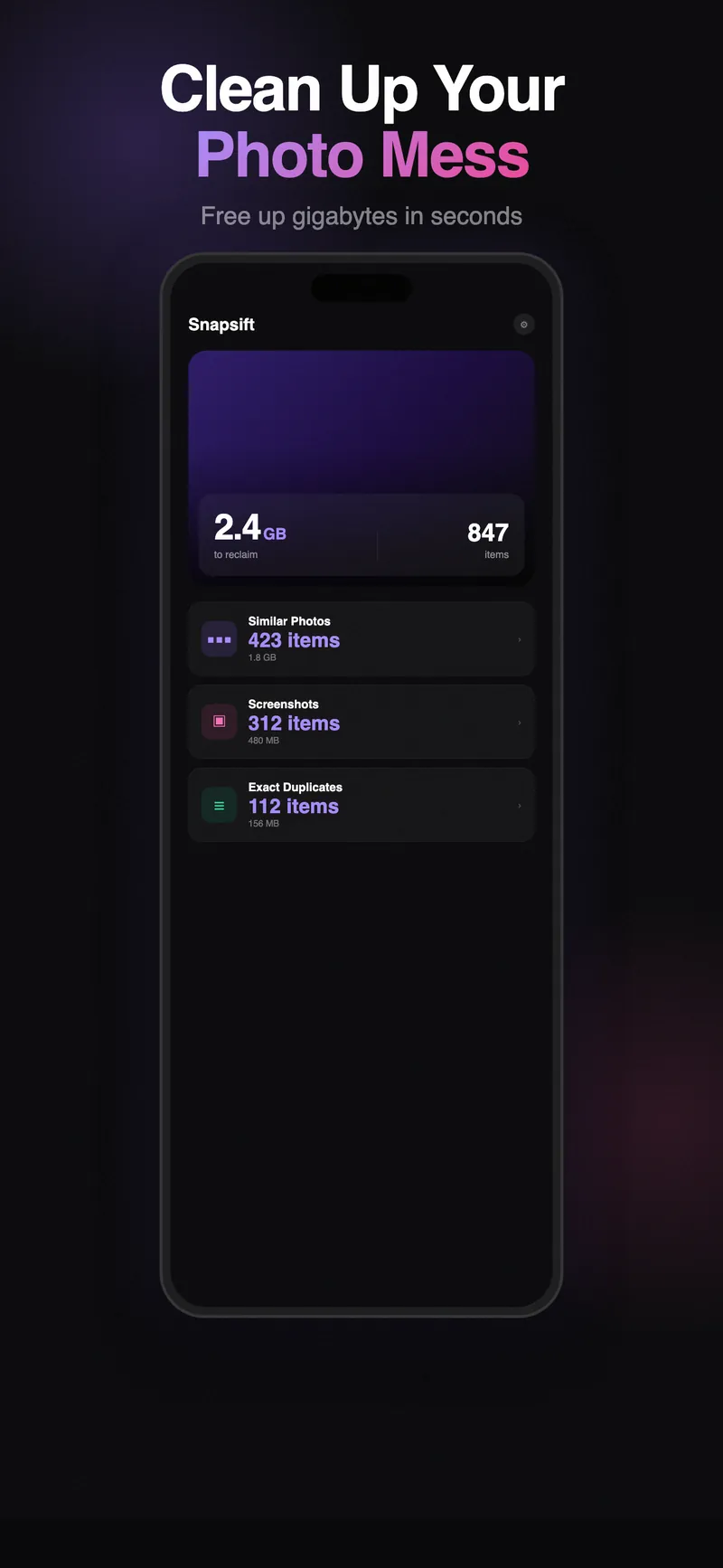
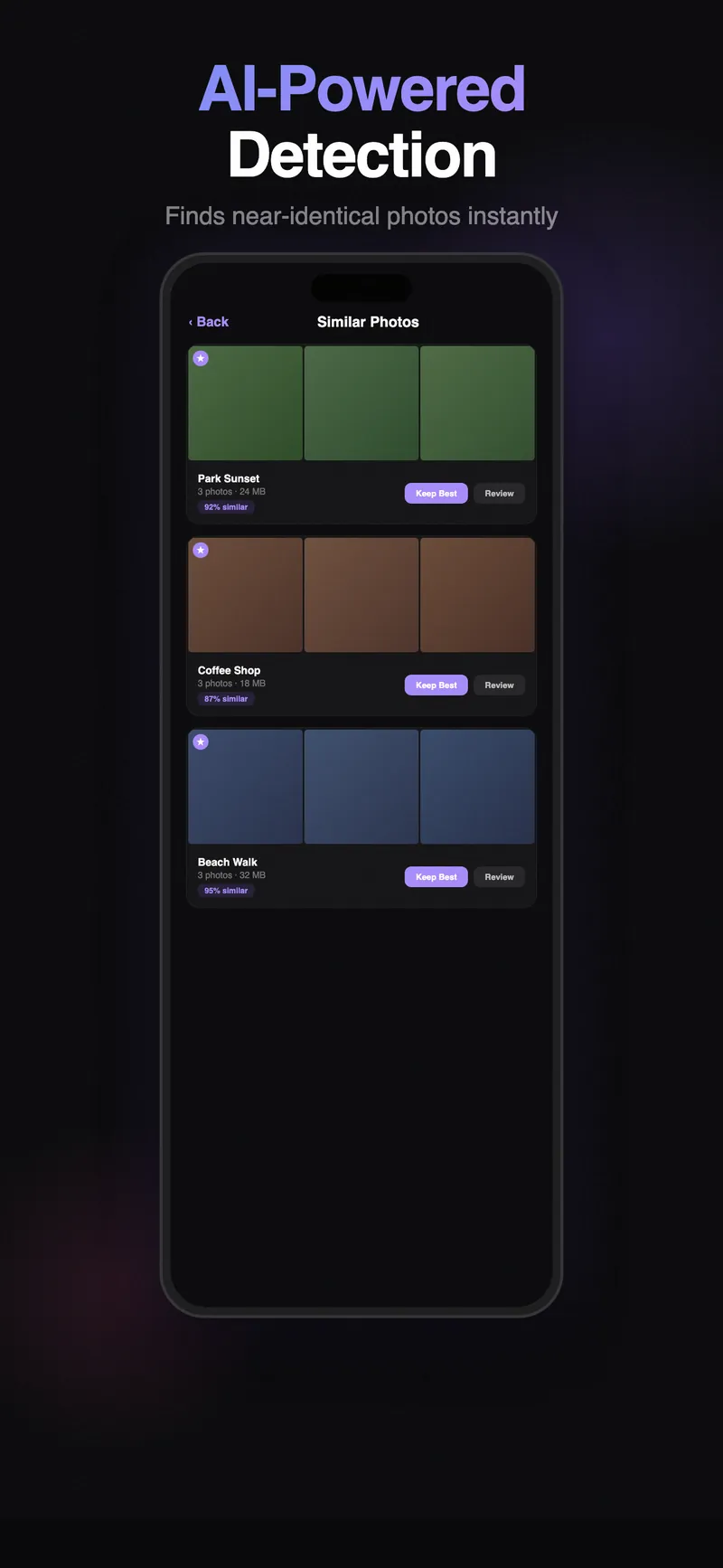
Snapsift uses on-device AI to find duplicate and similar photos on your iPhone. Unlike Apple’s built-in Duplicates album (which only catches exact matches), Snapsift detects near-duplicates, blurry variants, and photos that look almost identical but aren’t pixel-perfect copies.
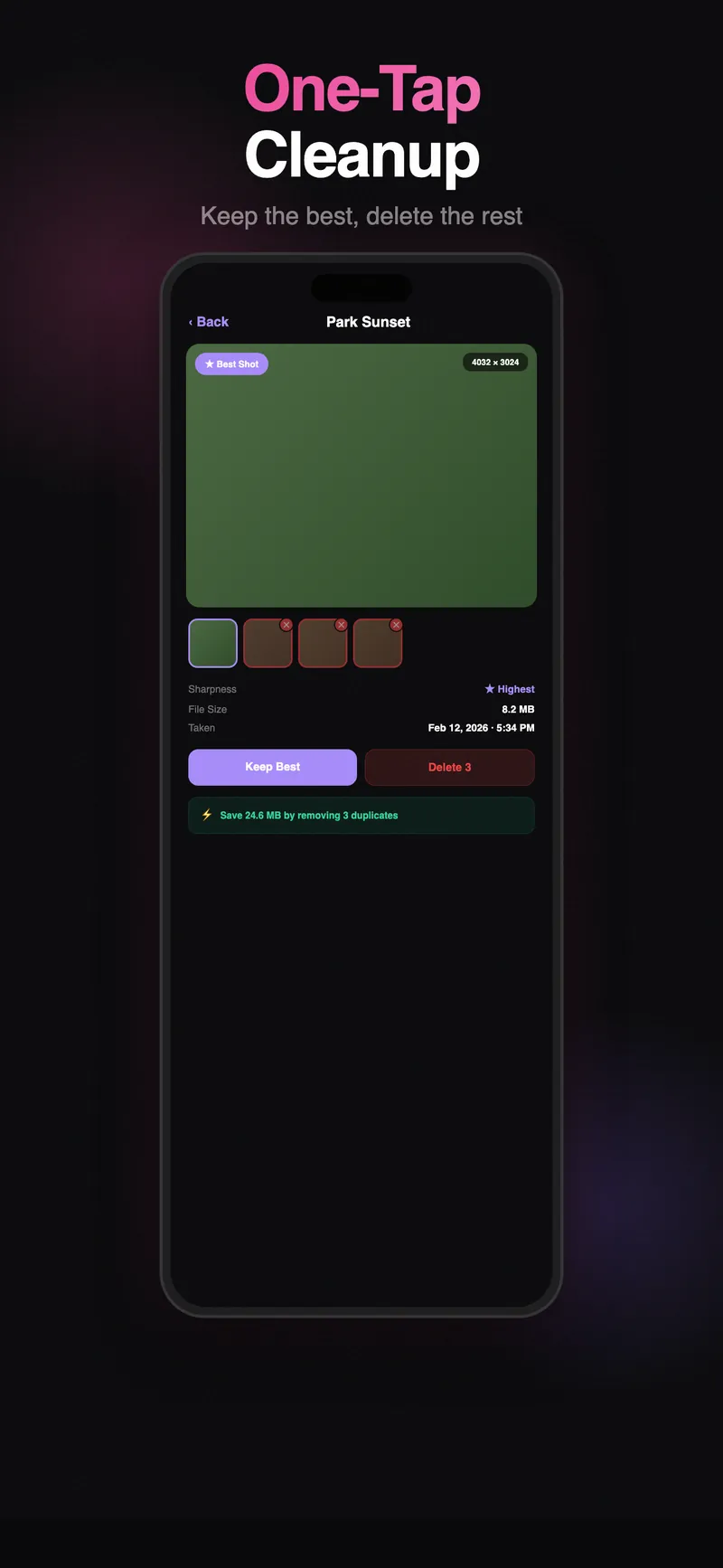
The “Keep Best” feature automatically picks the sharpest, best-exposed version from a group of similar photos. Review suggestions, confirm with a tap, and reclaim storage space.
Features
- AI-Powered Detection - Finds similar photos, not just exact duplicates
- Keep Best - Automatically selects the sharpest photo in each group
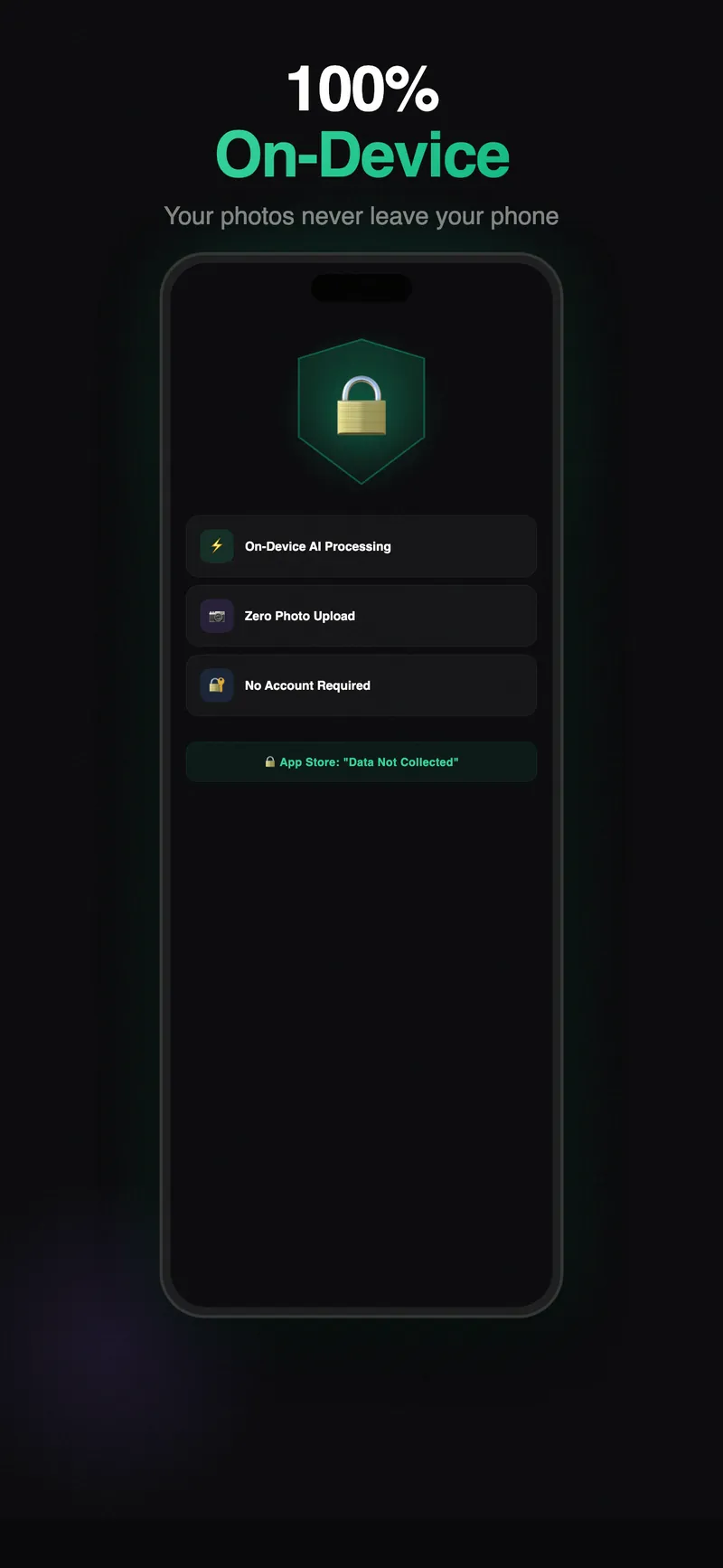
- On-Device Processing - All analysis happens on your iPhone using Apple Vision framework
- Batch Delete - Review and remove duplicates in bulk
- Smart Grouping - Groups similar photos together for easy comparison
- Storage Savings - See exactly how much space you’ll free up before deleting
- Privacy First - No photos leave your device. No cloud processing. No data collection
Requirements
- iOS 17.0 or later
- iPhone only
Common questions
Is my data collected or shared?
No. Snapsift runs entirely on your iPhone. No analytics, no tracking, no data sent to servers. Your privacy is guaranteed.
Is Snapsift free?
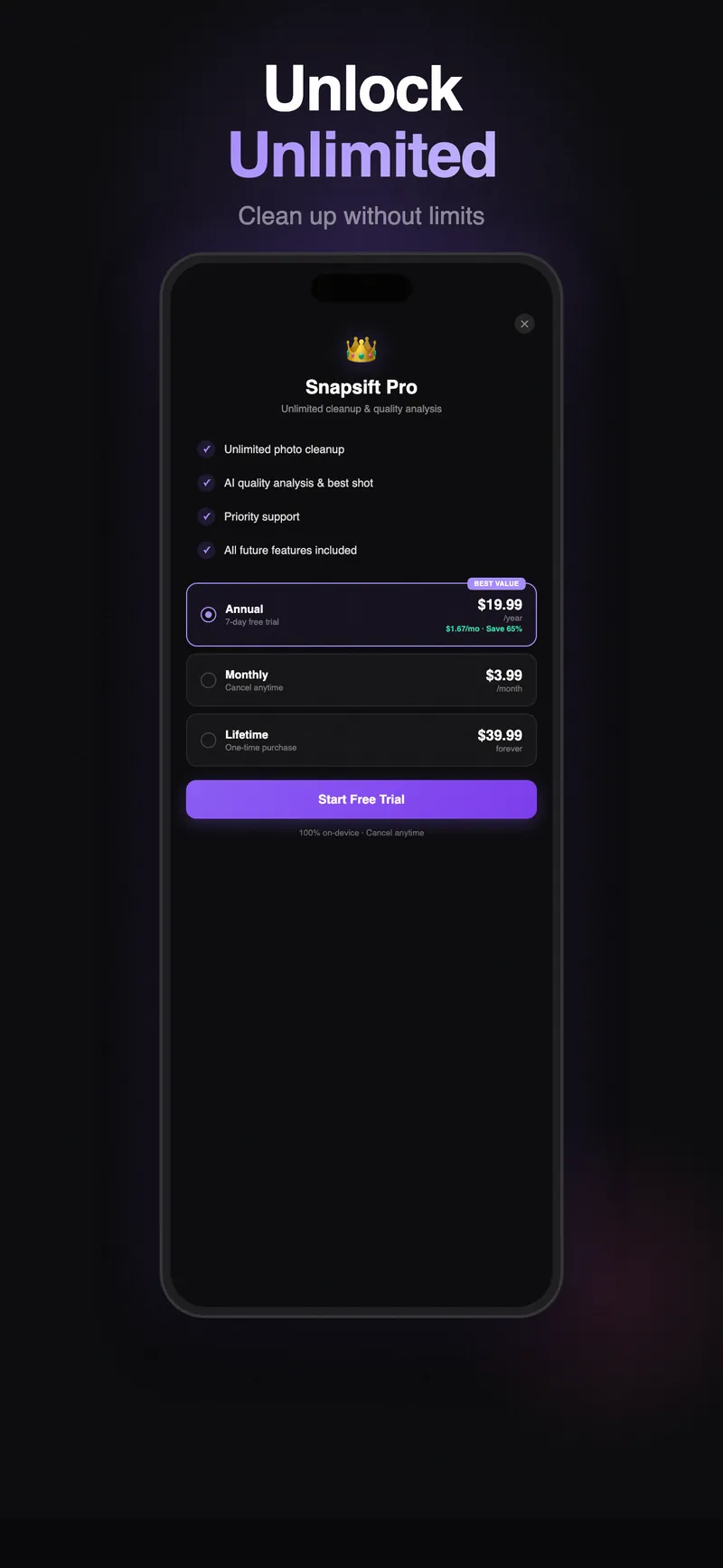
Snapsift is free to download and the core features are free to use. An optional upgrade unlocks the full feature set. There are no ads either way.
What if I don't like the app?
Apple offers full refunds within 14 days of purchase, no questions asked. Request a refund directly through the App Store if you're not satisfied.
Which iOS version do I need?
Snapsift requires iOS 17.0+.