 Translate Peek
  SnapProof
  Lento
Lento 
macOS
Timezone Peek
World Clock in Your Menu Bar
App Store
$2.99
Screenshots
About
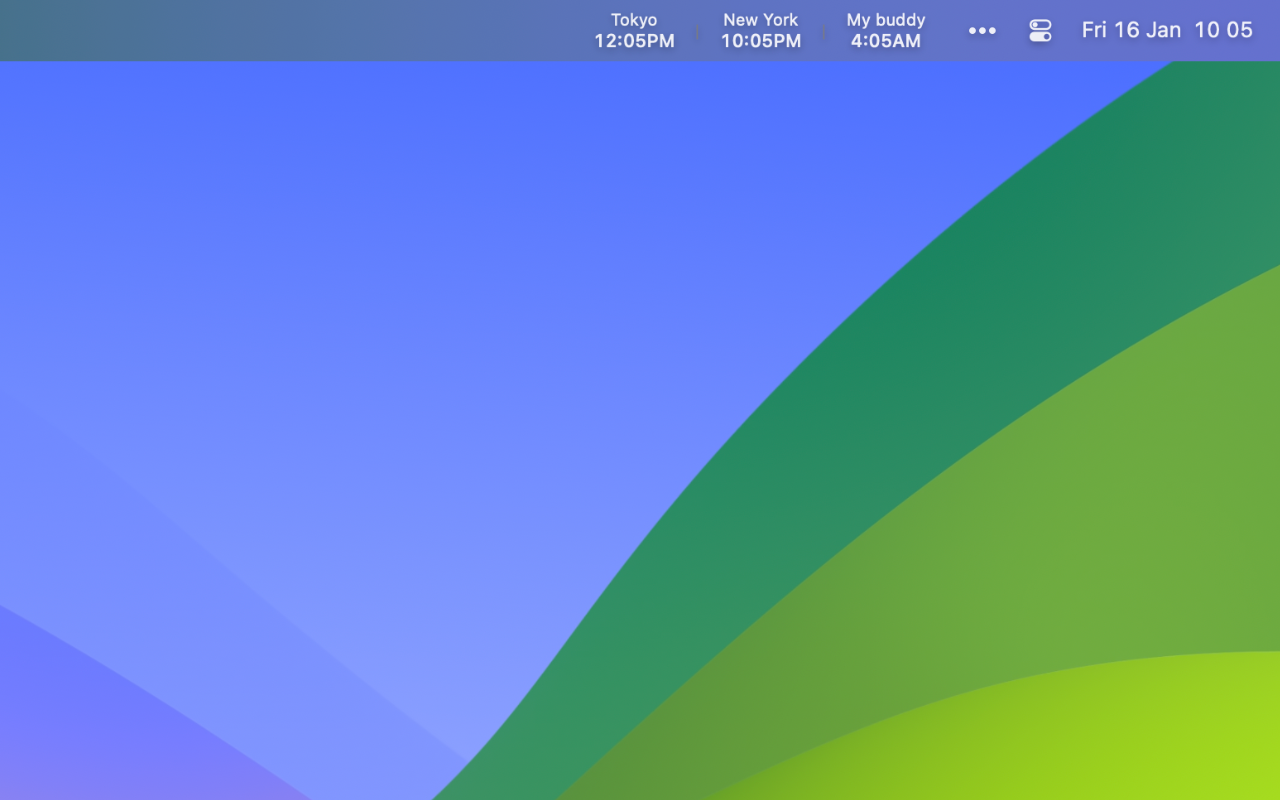
Timezone Peek is designed for remote workers needing quick access to multiple world time zones. The app integrates directly into your Mac’s menu bar for convenient, always-visible timezone tracking without cluttering your dock.
Perfect for remote workers, international teams, freelancers with global clients, or anyone requiring frequent timezone reference.
Features
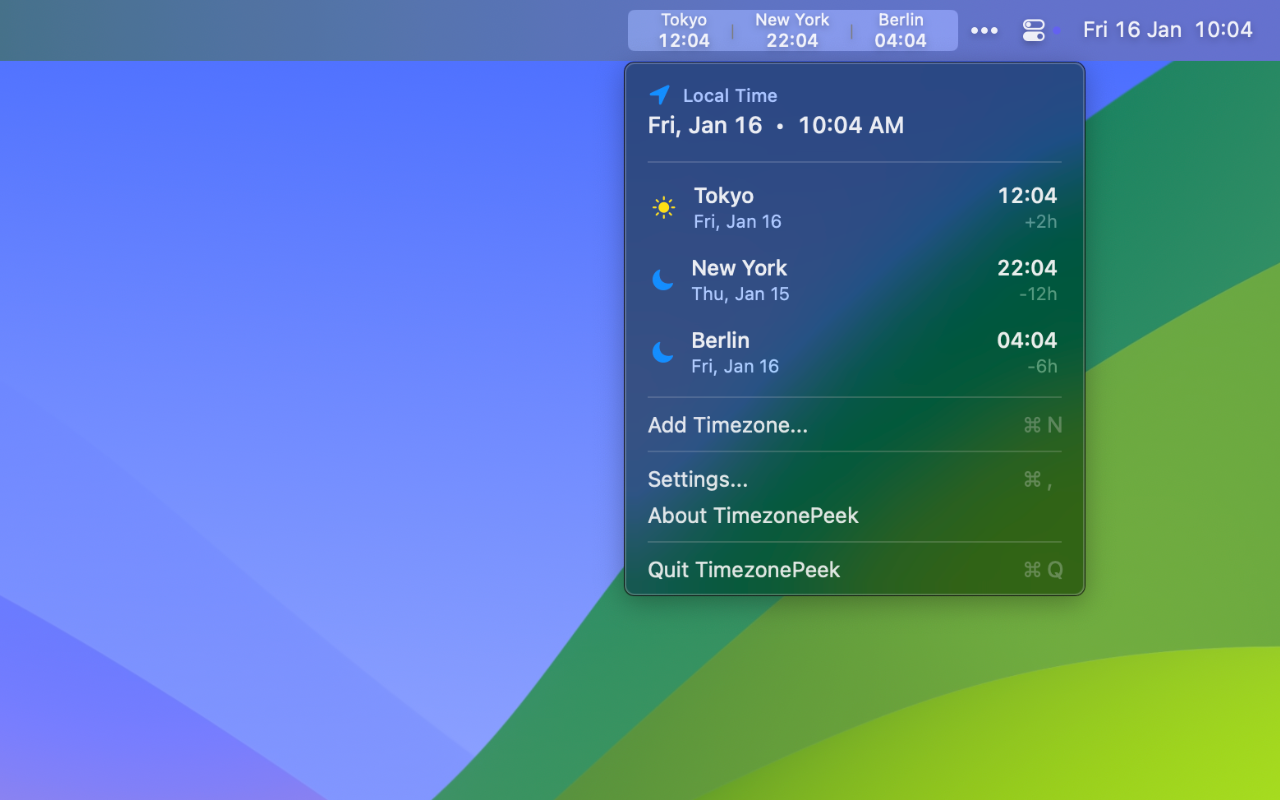
- Menu Bar Integration - Single-click access to all configured timezones
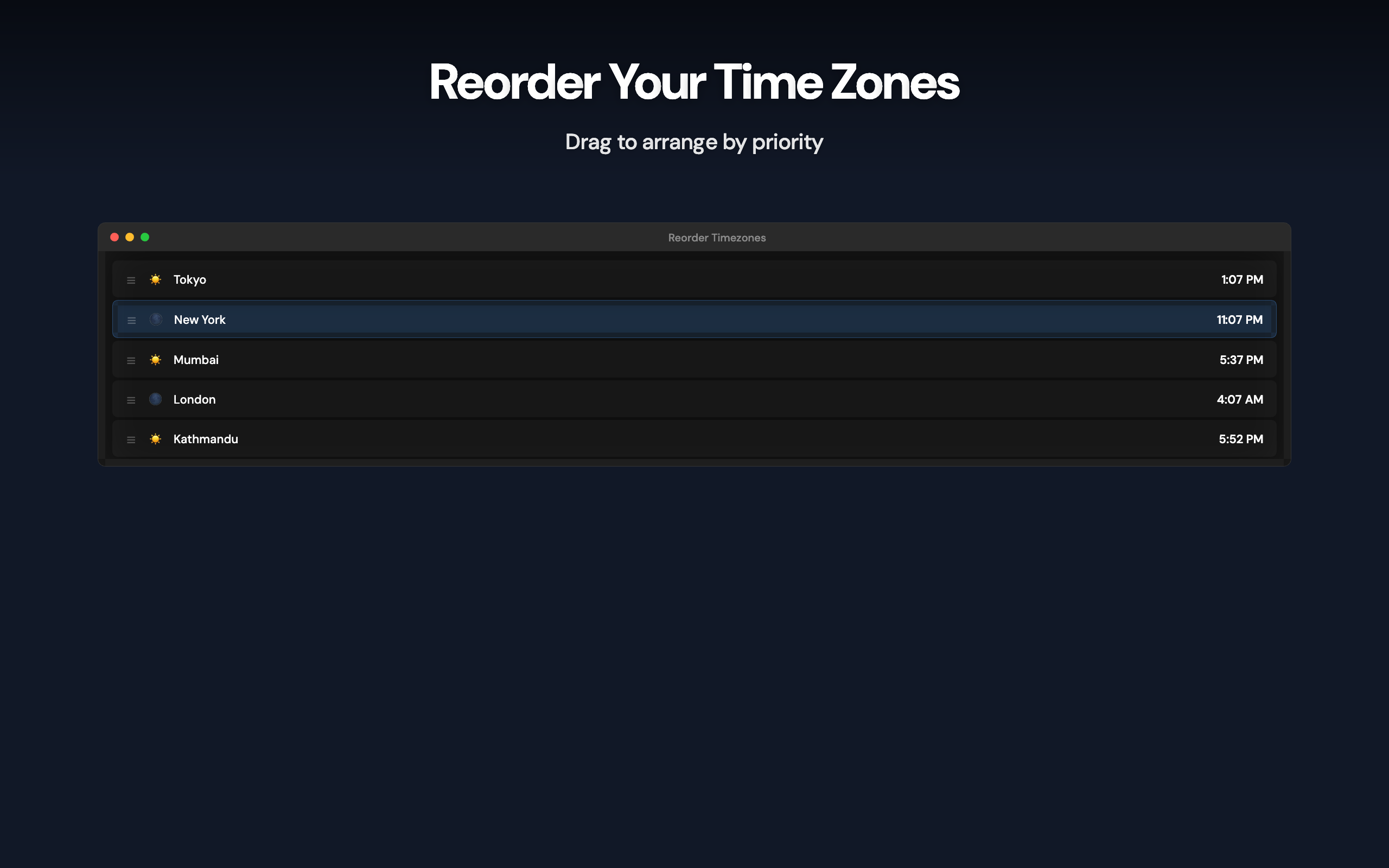
- Multiple Timezones - Unlimited custom-labeled timezone additions
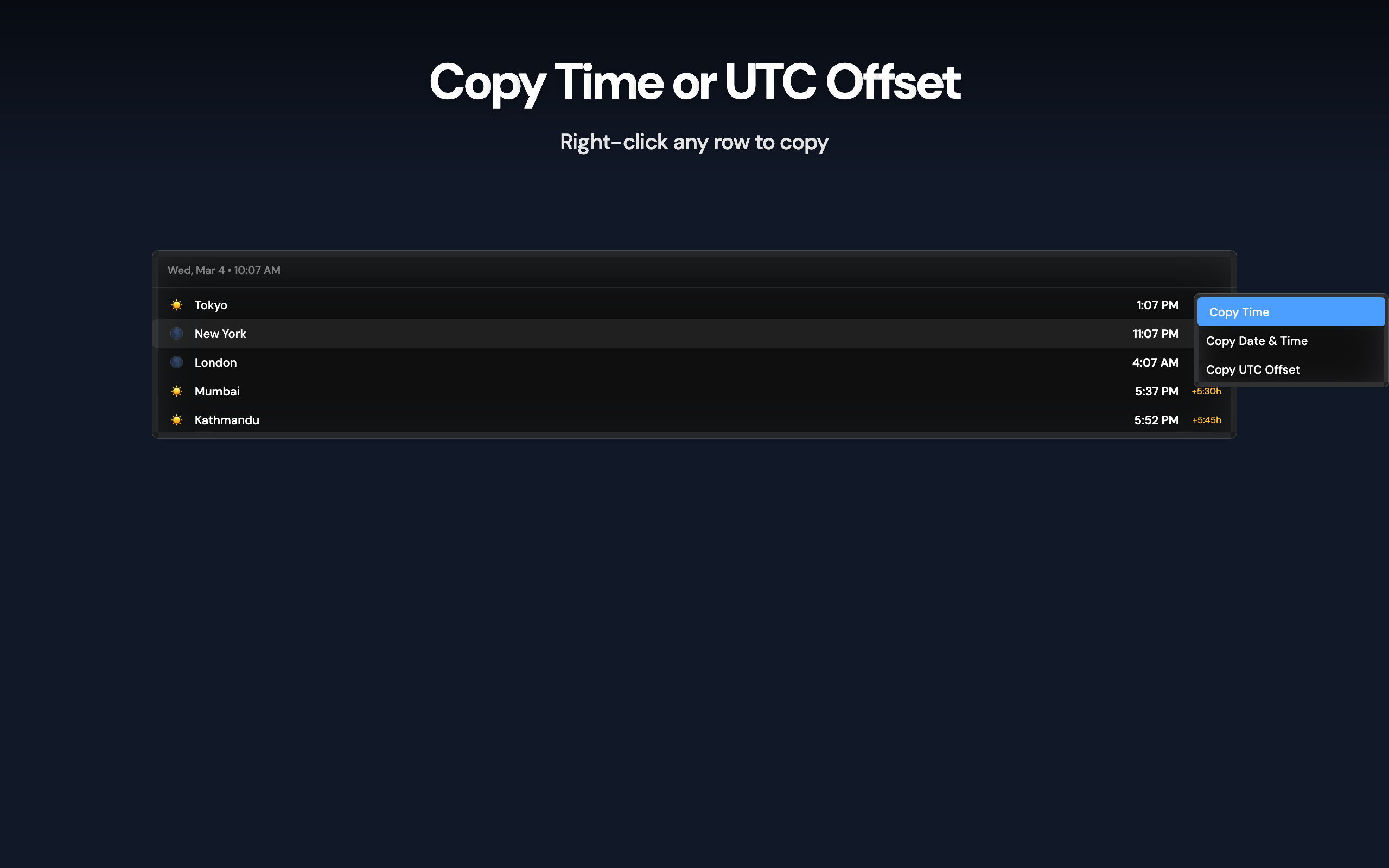
- Smart Display - Day/night indicators and UTC offset information relative to local time
- City Search - Access to 500+ major cities worldwide
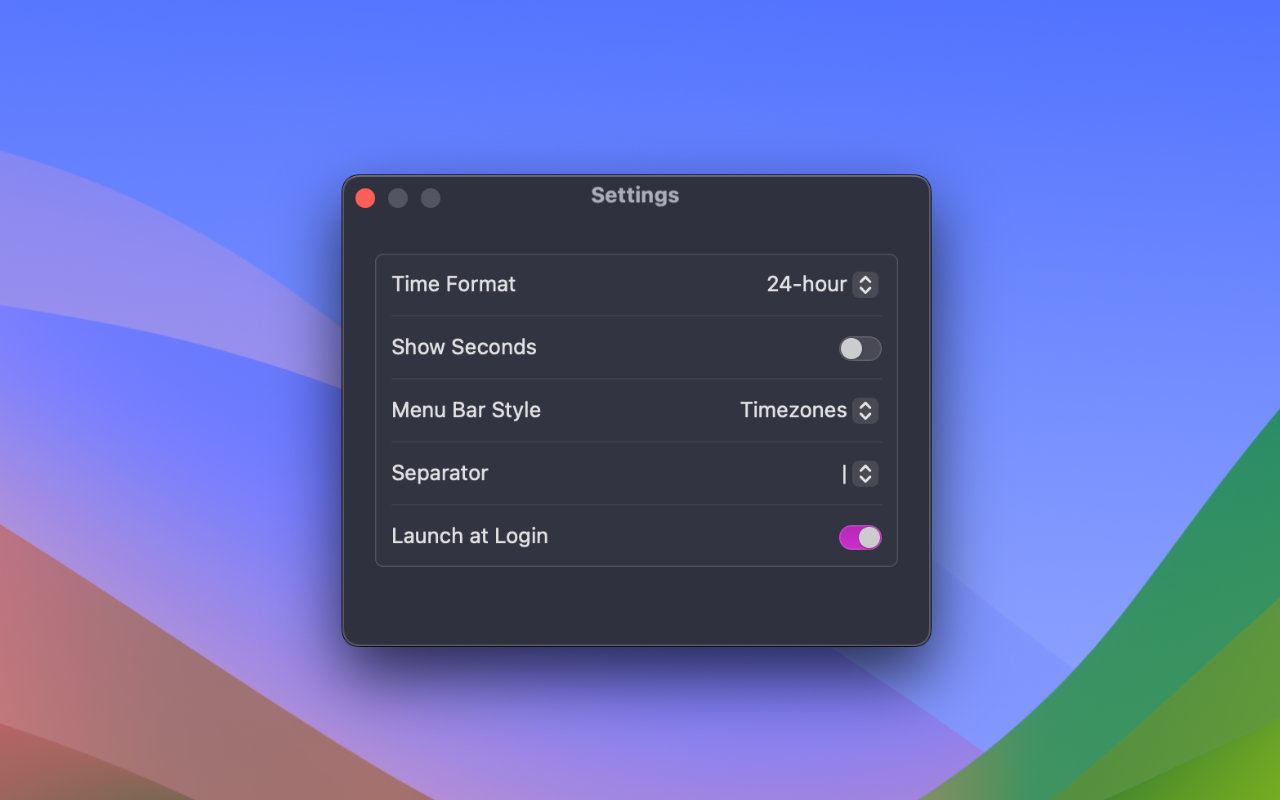
- Display Options - Flexible visibility settings with customizable separators
- Format Customization - 12/24-hour formats with optional seconds display
- Native macOS Design - Built with SwiftUI following Apple guidelines
- Privacy First - No network access or data collection, everything stays on your Mac
- Family Sharing - Supported for up to six family members
Requirements
- macOS 14.0 (Sonoma) or later
- Compatible with all Mac models
Common questions
Is my data collected or shared?
No. Timezone Peek runs entirely on your Mac. No analytics, no tracking, no data sent to servers. Your privacy is guaranteed.
Is this a subscription?
No. It's a one-time purchase. Pay once, use forever. No recurring fees, no hidden costs.
What if I don't like the app?
Apple offers full refunds within 14 days of purchase, no questions asked. Request a refund directly through the App Store if you're not satisfied.
Does it slow down my Mac?
No. It's native SwiftUI with minimal resource usage. Menu bar monitoring uses negligible CPU and memory.
Which macOS version do I need?
Timezone Peek requires macOS 14.0+. Works on both Intel and Apple Silicon Macs.