 Snapsift
  SnapProof
  Lento
Lento 
macOS
Hotspot Peek
Cellular Data Usage Monitor
App Store
Freemium
Screenshots
About
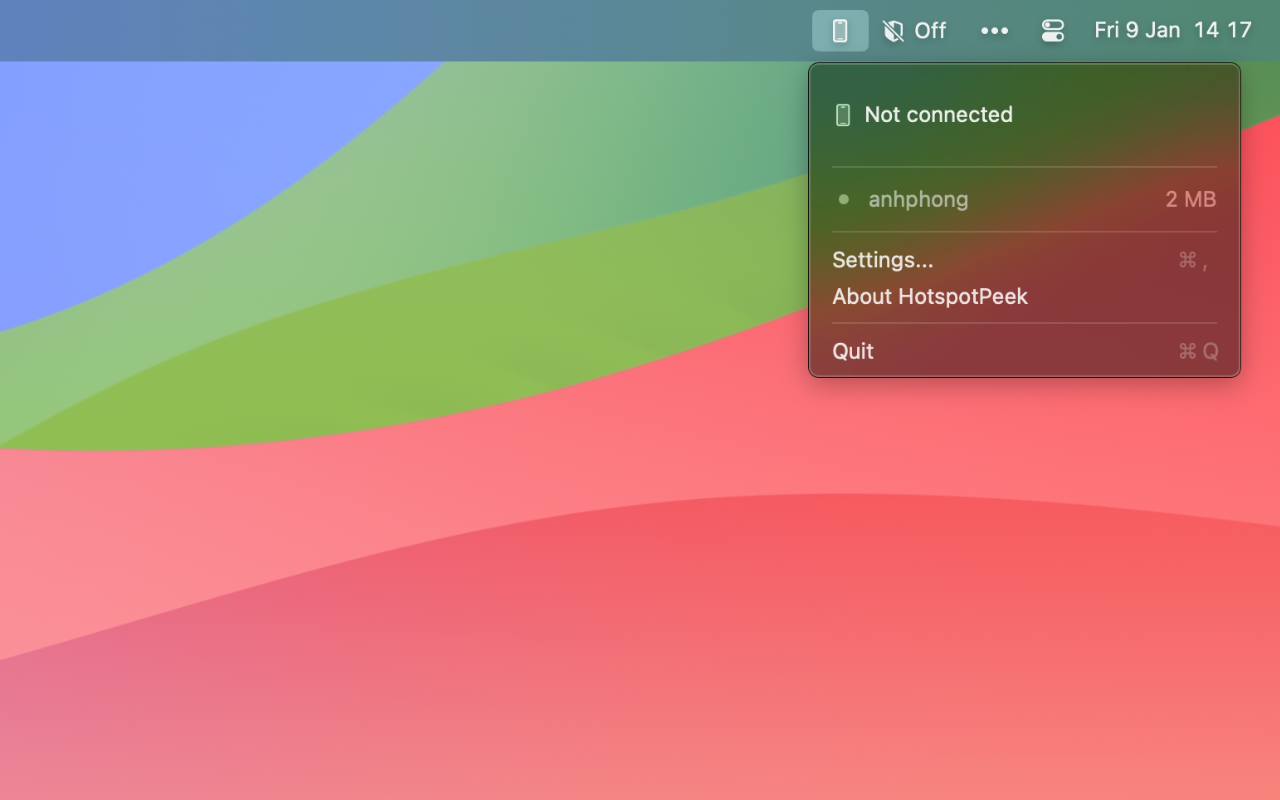
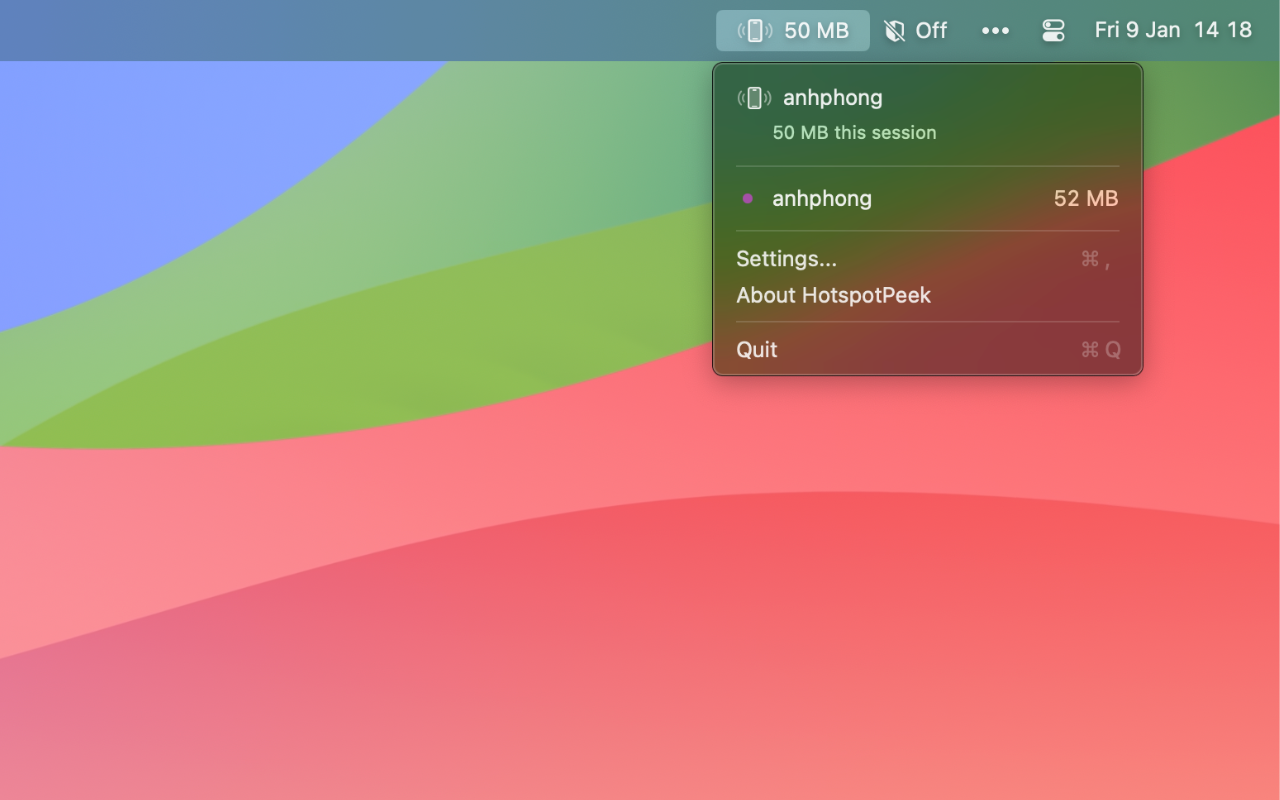
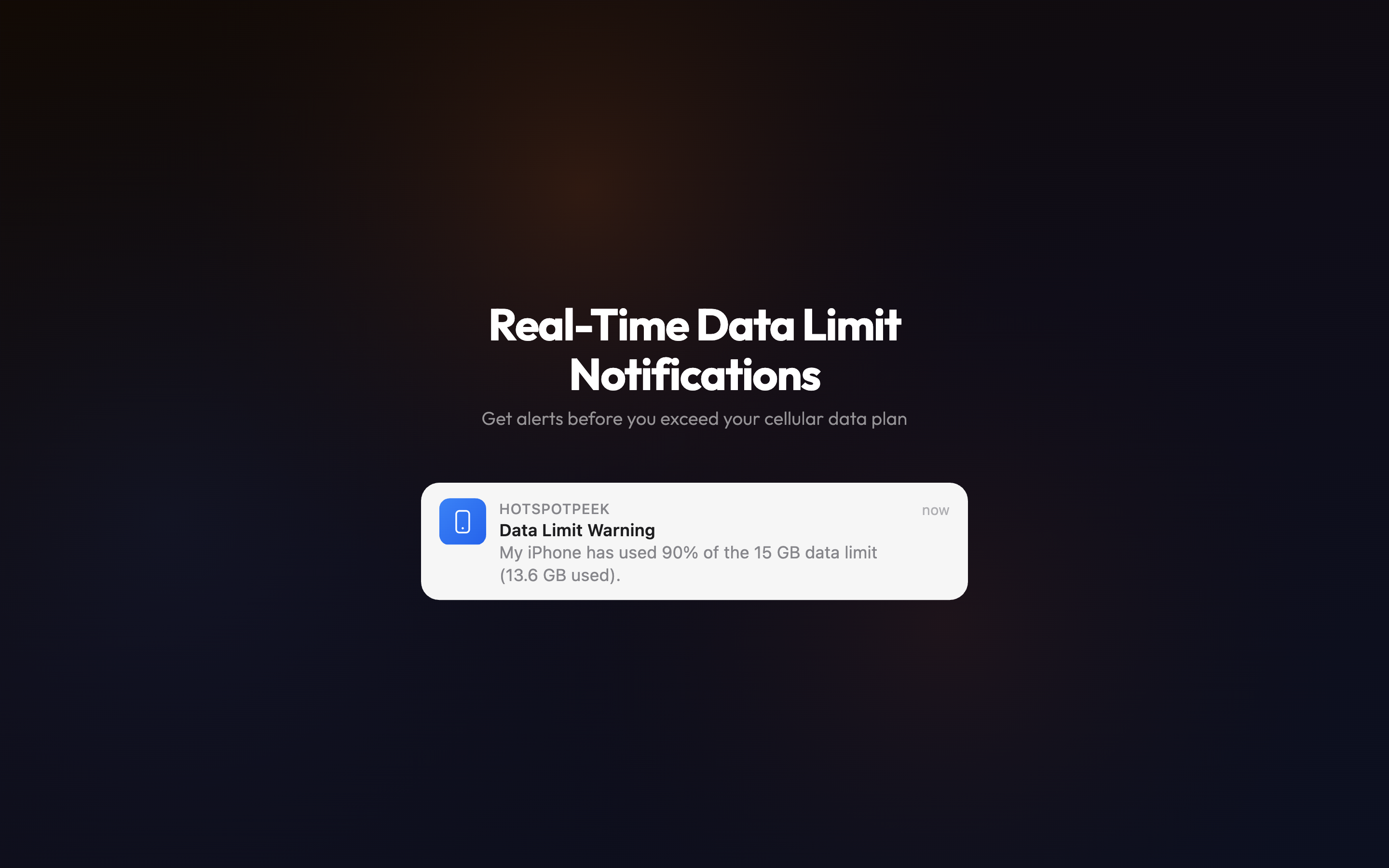
Hotspot Peek monitors your cellular data consumption when your Mac connects to an iPhone’s personal hotspot. Track real-time bandwidth usage and get alerts before exceeding your data limits.
Perfect for remote workers, digital nomads, and anyone managing limited cellular data plans while on the go.
Features
- Automatic Hotspot Detection - Instantly identifies iPhone hotspot connections by WiFi name
- Real-time Data Tracking - Monitor upload and download usage as it happens
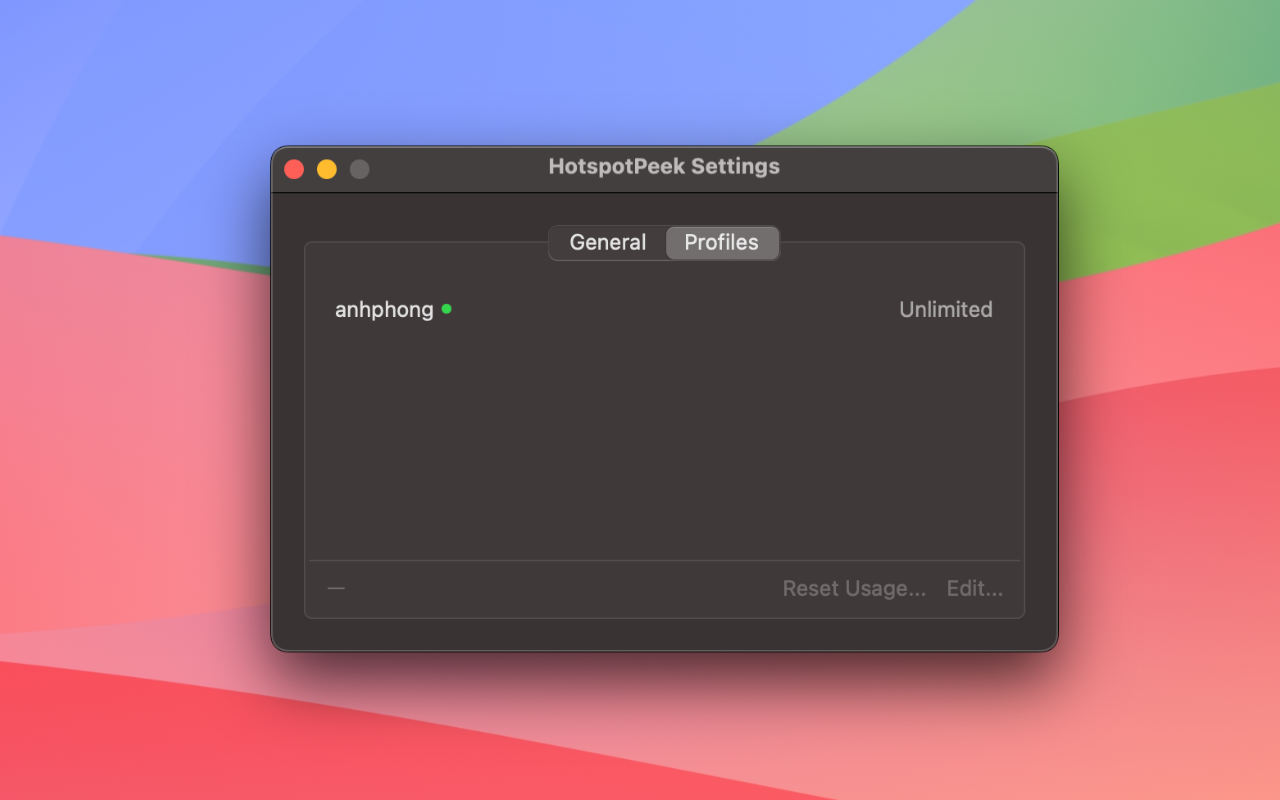
- Customizable Data Caps - Set limits from 1GB to 100GB, or unlimited
- Smart Alerts - Get notified at 50%, 75%, or 90% of your data limit
- Flexible Reset Cycles - Daily, weekly, or monthly resets with custom dates
- Multi-Device Support - Track multiple iPhones with individual settings
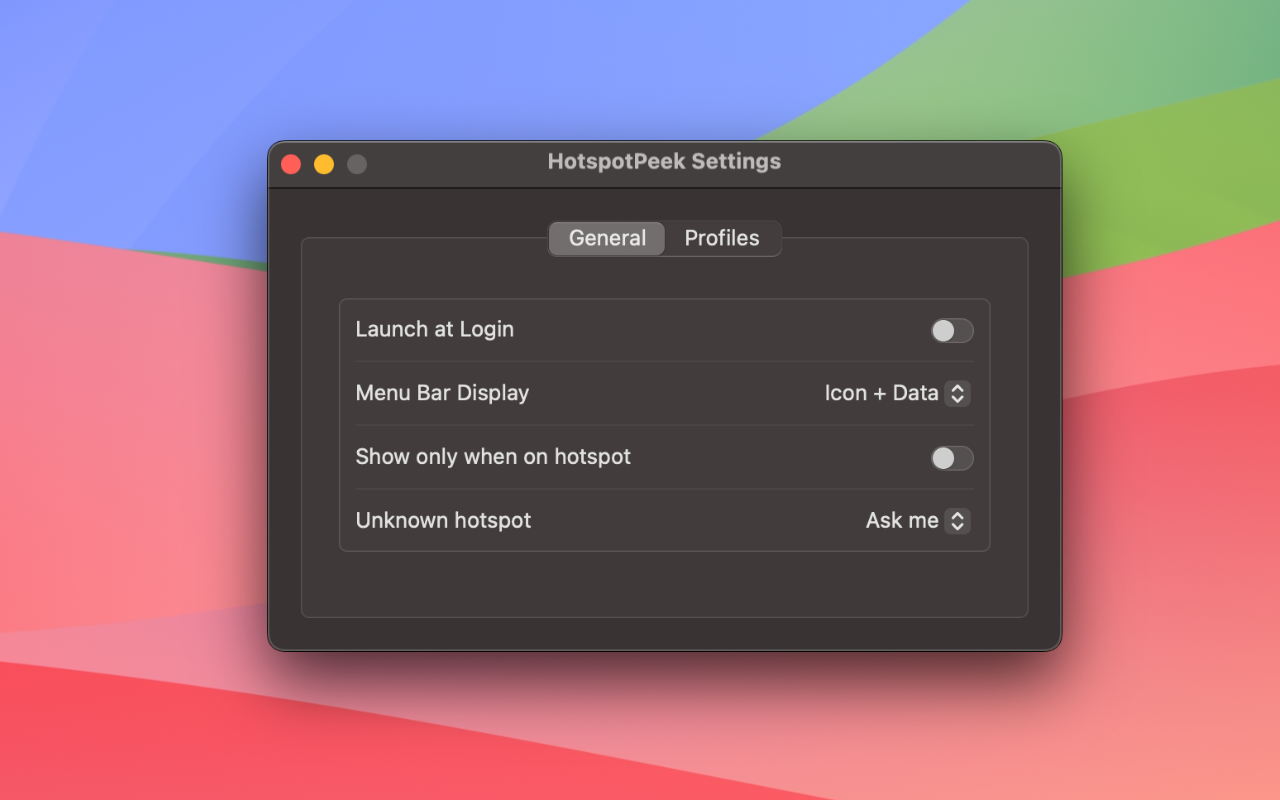
- Menu Bar Integration - Visual usage indicators always visible
- Privacy First - All data stored locally, no cloud sync or analytics
Requirements
- macOS 14.0 (Sonoma) or later
- iPhone with Personal Hotspot capability
Common questions
Is my data collected or shared?
No. Hotspot Peek runs entirely on your Mac. No analytics, no tracking, no data sent to servers. Your privacy is guaranteed.
Is Hotspot Peek free?
Hotspot Peek is free to download and the core features are free to use. An optional upgrade unlocks the full feature set. There are no ads either way.
What if I don't like the app?
Apple offers full refunds within 14 days of purchase, no questions asked. Request a refund directly through the App Store if you're not satisfied.
Does it slow down my Mac?
No. It's native SwiftUI with minimal resource usage. Menu bar monitoring uses negligible CPU and memory.
Which macOS version do I need?
Hotspot Peek requires macOS 14.0+. Works on both Intel and Apple Silicon Macs.