 Snapsift
  SnapProof
  Lento
Lento 
macOS
Sqz
Image Converter & Compressor
App Store
Freemium
Screenshots
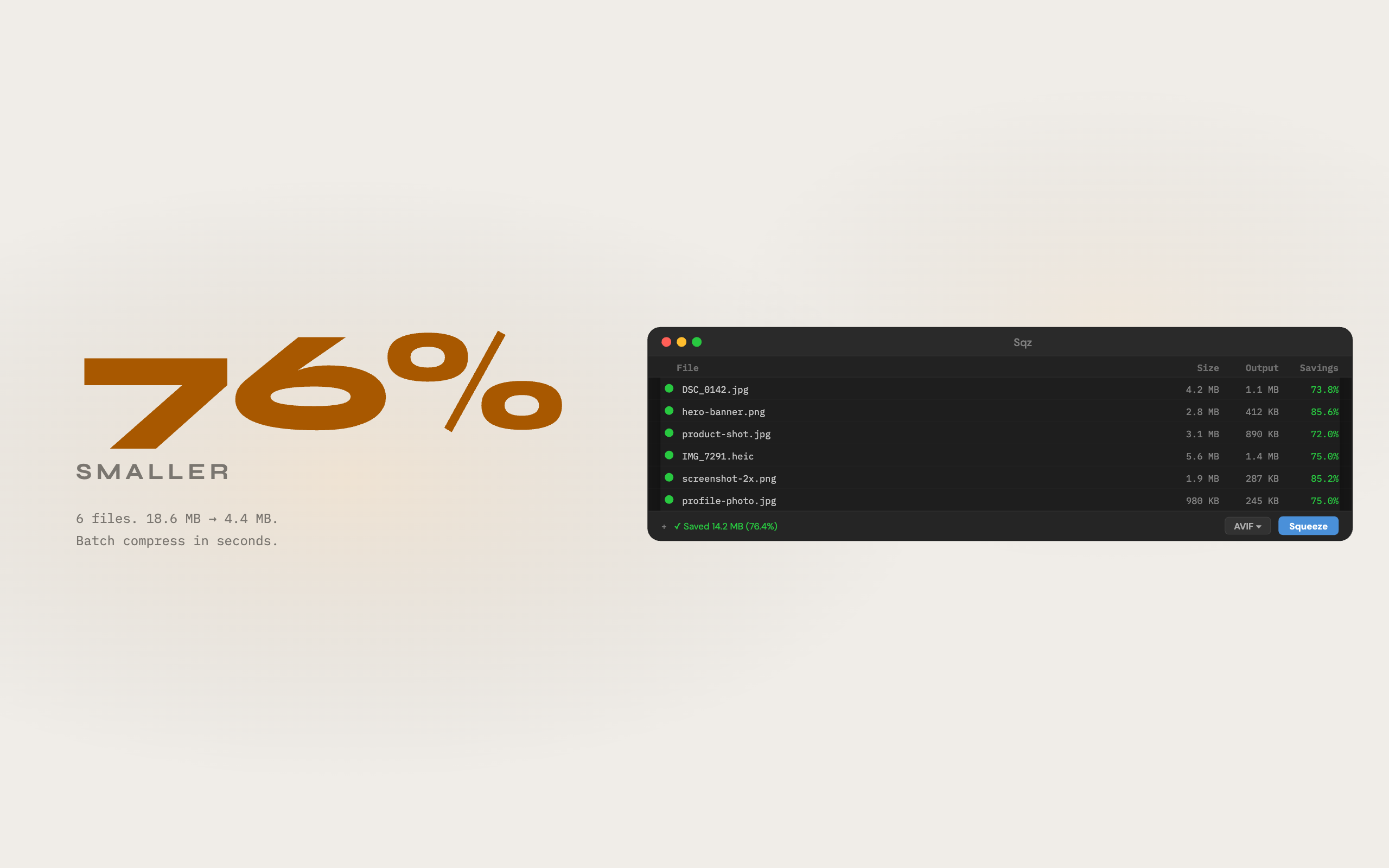
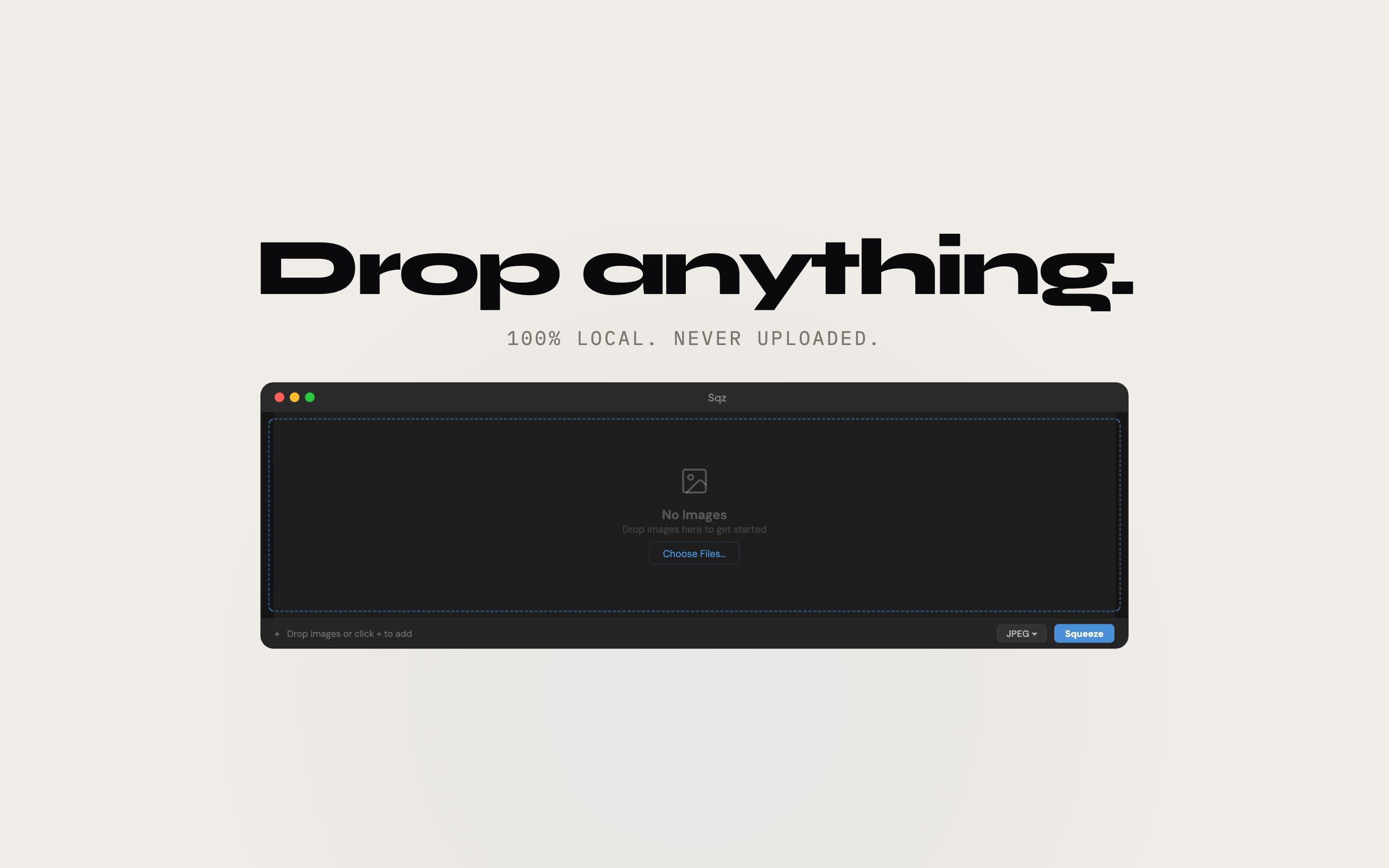
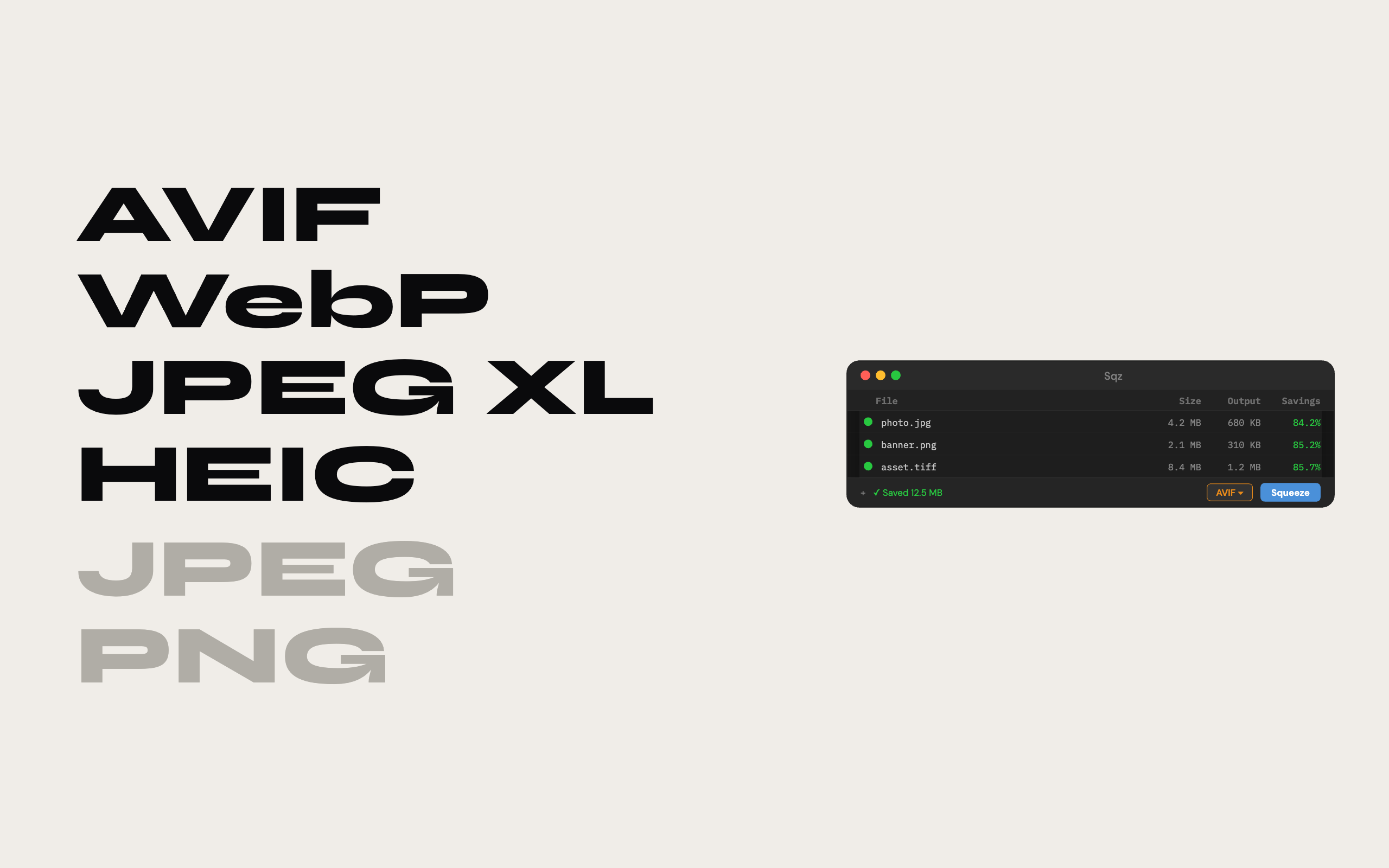
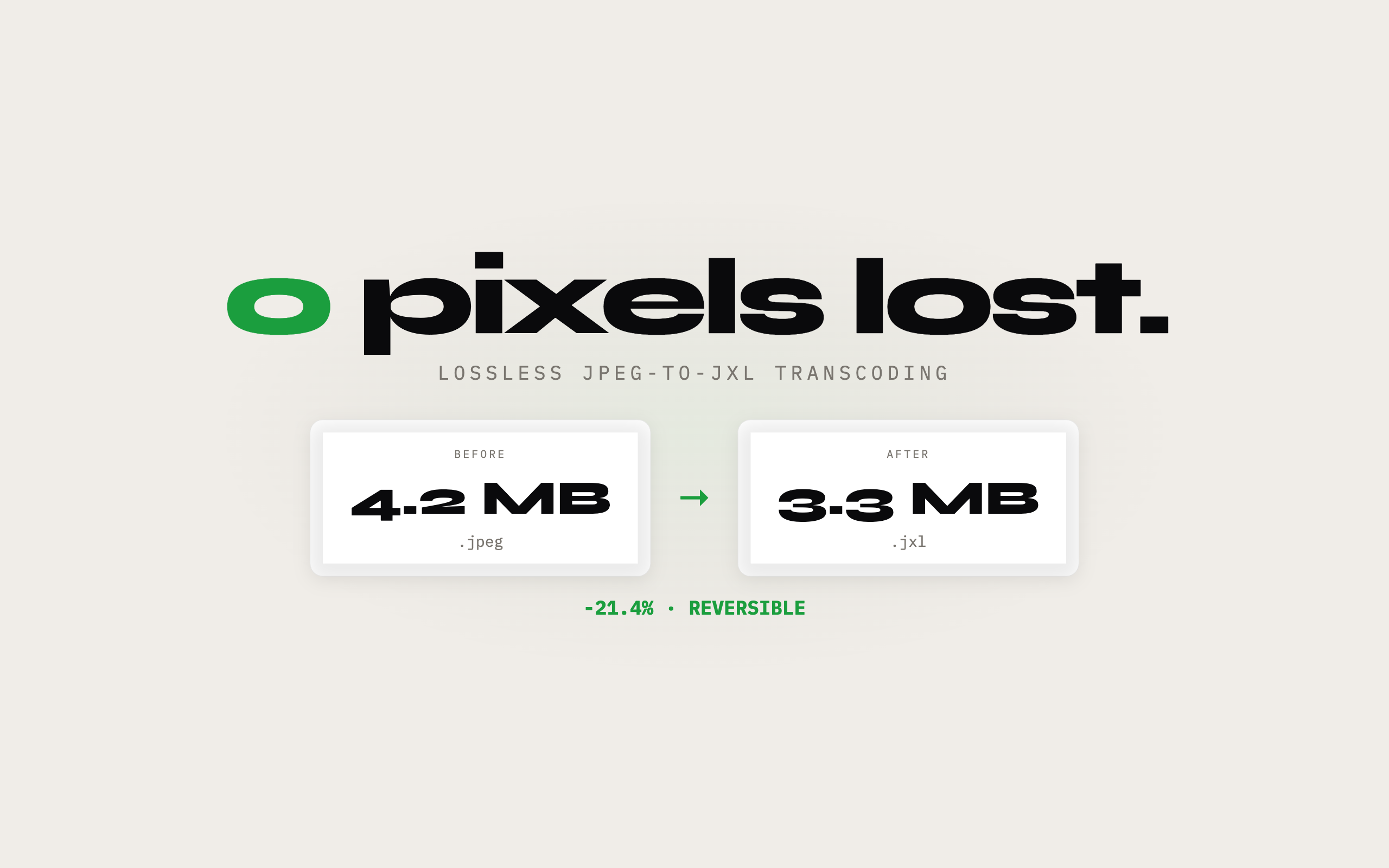
Drop in a batch of JPEGs, PNGs, HEICs, or WebPs. Pick your output format, set your quality target, done. No upload required, everything runs locally on your Mac.
Supports JPEG, PNG, WebP, AVIF, JPEG XL (JXL), and HEIC. Lossless conversion between formats. Batch processing with drag and drop. Real-time preview of compression quality vs file size.
Sqz Pro unlocks unlimited batch processing and all output formats.
Common questions
Is my data collected or shared?
No. Sqz runs entirely on your Mac. No analytics, no tracking, no data sent to servers. Your privacy is guaranteed.
Is Sqz free?
Sqz is free to download and the core features are free to use. An optional upgrade unlocks the full feature set. There are no ads either way.
What if I don't like the app?
Apple offers full refunds within 14 days of purchase, no questions asked. Request a refund directly through the App Store if you're not satisfied.
Does it slow down my Mac?
No. It's native SwiftUI with minimal resource usage. Menu bar monitoring uses negligible CPU and memory.
Which macOS version do I need?
Sqz requires macOS 14.0+. Works on both Intel and Apple Silicon Macs.