 Snapsift
  SnapProof
  Lento
Lento 
macOS
Battery Vitals
Menu Bar Battery Monitor
App Store
$2.99
Screenshots



About
Battery Vitals monitors your MacBook’s battery health from the menu bar, providing essential information at a glance. Track battery health percentage, cycle count, current charge with time remaining, temperature, and power source status.
Designed with a native macOS interface, Battery Vitals stays out of your way while keeping you informed about your battery’s condition. Perfect for MacBook users who want to maintain their battery’s longevity.
Features
- Menu Bar Interface - Quick access to battery metrics without opening an app
- Battery Health Monitoring - View health percentage and maximum capacity
- Cycle Count Tracking - Keep tabs on your battery’s charge cycles
- Real-time Metrics - Current charge level with estimated time remaining
- Temperature Monitoring - Track battery temperature
- Power Source Status - Know whether you’re on battery or AC power
- Native macOS Design - Clean interface that matches system aesthetics
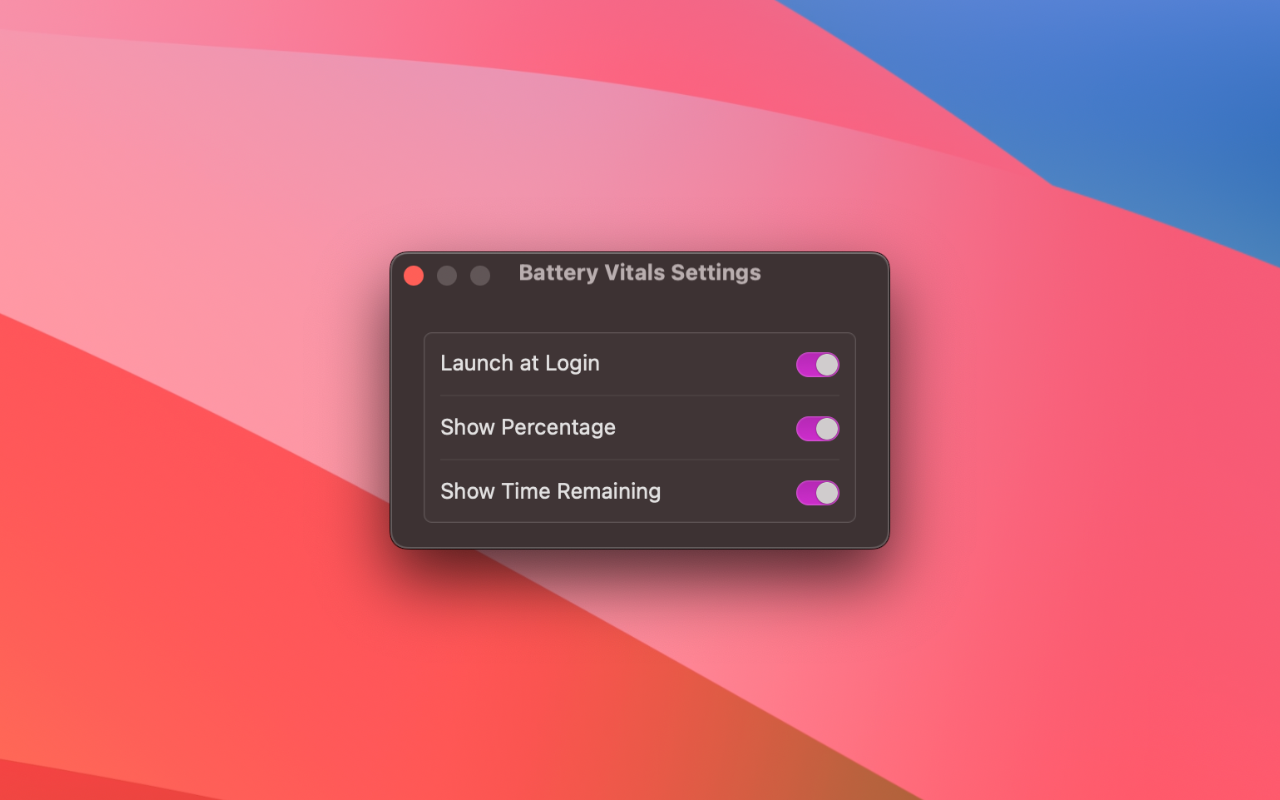
- Launch at Login - Optional auto-start when you boot your Mac
- Minimal Resource Usage - Lightweight app that won’t drain your battery
- Privacy First - No data collection, no network access
Requirements
- macOS 14.0 (Sonoma) or later
- Compatible with all MacBook models
Common questions
Is my data collected or shared?
No. Battery Vitals runs entirely on your Mac. No analytics, no tracking, no data sent to servers. Your privacy is guaranteed.
Is this a subscription?
No. It's a one-time purchase. Pay once, use forever. No recurring fees, no hidden costs.
What if I don't like the app?
Apple offers full refunds within 14 days of purchase, no questions asked. Request a refund directly through the App Store if you're not satisfied.
Does it slow down my Mac?
No. It's native SwiftUI with minimal resource usage. Menu bar monitoring uses negligible CPU and memory.
Which macOS version do I need?
Battery Vitals requires macOS 14.0+. Works on both Intel and Apple Silicon Macs.